
This is the night time sky line of where I’m at right now. Austin, Texas, USA. That famous “Lone Star State” that until now I only knew from the movies & the media. Austin is an impressive city in an impressive state and, as most US experiences I’ve had, isn’t comparable with anything in my home country Belgium. That works both ways naturally and I’m lucky I get to travel a bit and see a small part of the world.
Dell World 2013
So why am I here? Well I’m here to attend DELL World 2013, but you got that already 
That’s nice Didier but why DELL World? Well, several reasons. For one, I wanted to come and talk to as many product owners & managers, architects & strategists as I can. We’re seeing a lot of interest in new capabilities that Windows Server 2012 (R2) brought to the Microsoft ecosystem. I want to provide all the feedback I can on what I as a customer, a Microsoft MVP and technologist expect from DELL to help us make the most of those. I’m convinced DELL has everything we need but can use some guidance on what to add or enhance. It would be great to get our priorities and those of DELL aligned. Form them I expect to hear their plans, ideas, opinions and see how those match up. Dell has a cost/value leadership position when it comes to servers right now. They have a great line up of economy switches that pack a punch (PowerConnect) & some state of the art network gear with Force10. it would be nice to align these with guidance & capabilities to leverage SMB Direct and NVGRE network virtualization. Dell still has the chance to fill some gaps way better than others have. A decent Hyper-V network virtualization gateway that doesn’t cost your two first born children and can handle dozens to hundreds of virtual networks comes to mind. That and real life guidance on several SMB Direct with DCB configuration guidance. Storage wise, the MD series, Equalogic & Compellent arrays offer great value for money. But we need to address the needs & interest that SMB 3.0, Storage Spaces, RDMA has awoken and how Dell is planning to address those. I also think that OEMs need to pick up pace & change some of their priorities when it comes to providing answers to what their customers in the MSFT ecosystem ask for & need, doing that can put them in a very good position versus their competitors. But I have no illusions about my place in & impact on the universe.
Secondly, I was invited to come. As it turns out DELL has the same keen interest in talking to people who are in the trenches using their equipment to build solutions that address real life needs in a economical feasible way. No, this is not “just” marketing. A smart vendor today communicates in many ways with existing & potential customers. Social media is a big part of that but also off line at conferences, events and both contributor and sponsor. Feedback on how that works & is received is valuable as well for both parties. They learn what works &n doesn’t and we get the content we need. Now sure you’ll have the corporate social media types that are bound by legal & marketing constrictions but the real value lies in engaging with your customers & partners about their real technological challenges & needs.
Third is the fact that all these trends & capabilities in both the Microsoft ecosystem and in hardware world are not happening in isolation. They are happening in a world dominated by cloud computing in all it’s forms. This impact everything from the clients, servers, servers to the data centers as well as the people involved. It’s a world in which we need to balance the existing and future needs with a mixture of approaches & where no one size fits all even if the solutions come via commodity products & services. It’s a world where the hardware & software giants are entering each others turf. That’s bound to cause some sparks . Datacenter abstraction layer, Software Defined “anything” (storage, networking, …), converged infrastructure. Will they collaborate or fight?
So put these three together and here I am. My agenda is full of meetings, think tanks, panels, briefings and some down time to chat to colleagues & DELL employees alike.
Why & How?
Some time ago I was asked why I do this and why I’m even capable to do this. It takes time, money and effort. Am I some kind of hot shot manager or visionary guru? No, not at all. Believe there’s nothing “hot” about working on a business down issue at zero dark thirty. I’m a technologist. I’m where the buck stops. I need things to work. So I deal in realities not fantasies. I don’t sell methods, processes or services people, I sell results, that’s what pays my bills long term. But I do dream and I try to turn those into realities. That’s different from just fantasy world where reality is an unwelcome guest. I’m no visionary, I’m no guru. I’m a hard working IT Pro (hence the blog title and twitter handle) who realizes all to well he’s standing on the shoulders of not just giants but of all those people who create the ecosystem in which I work. But there’s more. Being a mere technologist only gets you that far. I also give architectural & strategic advice as that’s also needed to make the correct decisions. Solutions don’t exist in isolation and need to be made in relation to trends, strategies and needs. That takes insight & vision. Those don’t come to you by only working in the data center, your desktop or in eternal meetings with the same people in the same place. My peers, employers and clients actively support this for the benefit of our business, customers, networks & communities. That’s the what, why and who that are giving me the opportunities to learn & grow both personally & professionally. People like Arlindo Alves and may others at MSFT, my fellow MVPs (Aidan Finn, Hans Vredevoort, Carsten Rachfahl, …), Florian Klaffenbach & Peter Tsai. As a person you have to grab those opportunities. If you want to be heard you need to communicate. People listen and if the discussions and subjects are interesting it becomes a two way conversation and a great learning experience. As with all networking and community endeavors you need to put in the effort to reap the rewards in the form of information, insights and knowledge you can leverage for both your own needs as well as for those in your network. That means speaking your mind. Being honest and open, even if at times you’re wrong. That’s learning. That, to me, is what being in the DELL TechCenter Rock StarDELL TechCenter Rock Star program is all about.

Learning, growing, sharing. That and a sustained effort in your own development slowly but surely makes you an “expert”. An expert that realizes all to well how much he doesn’t known & cannot possible all learn. Luckily, to help deal with that fact, you can turn to the community.


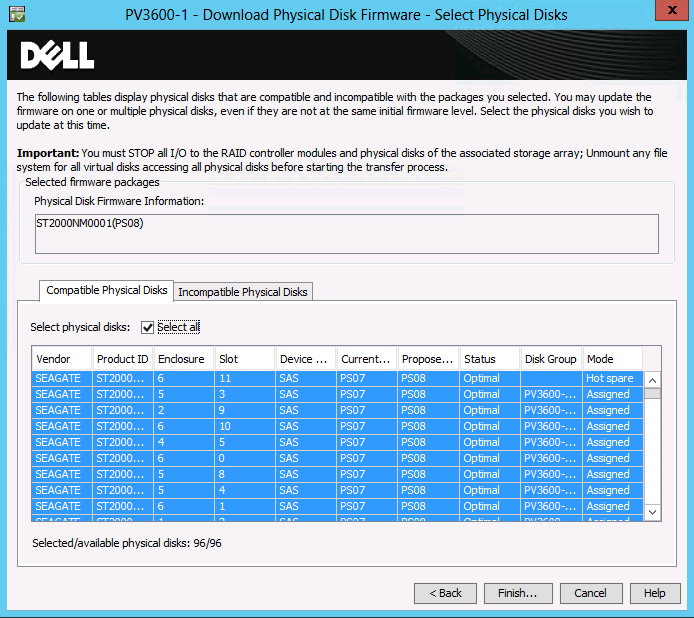
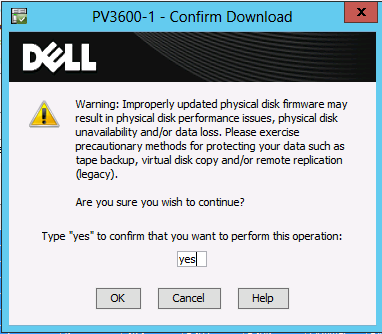
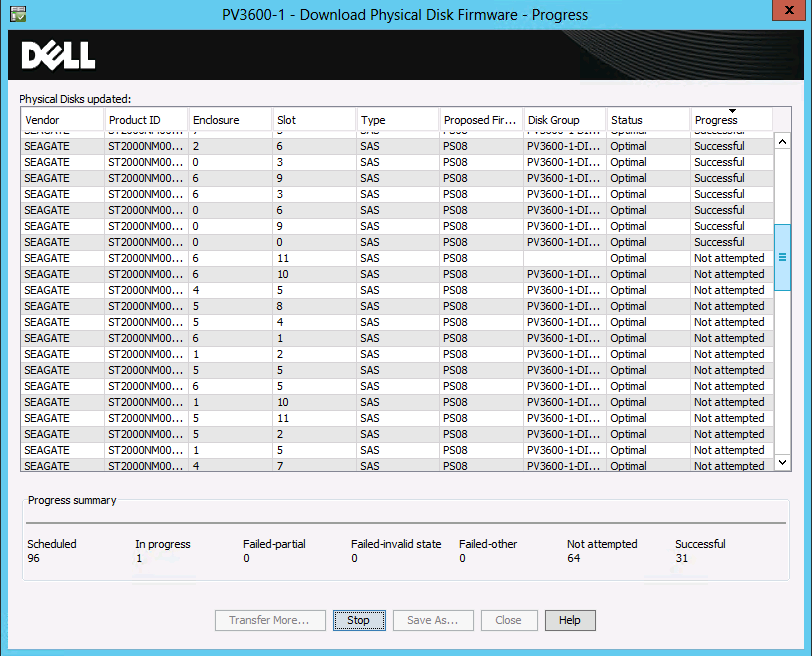
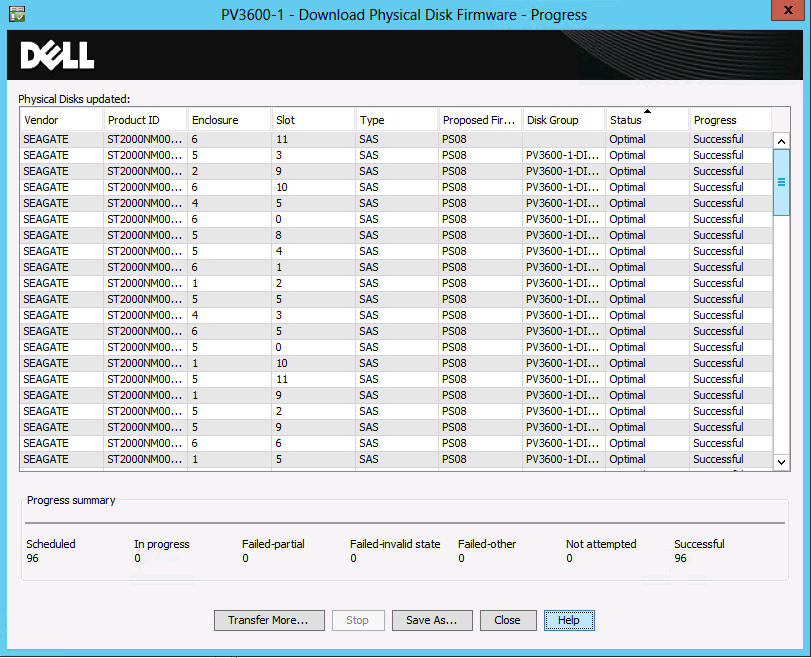
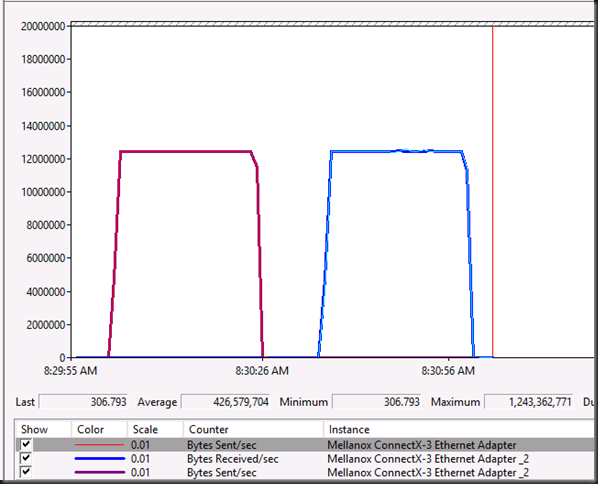
 . Configure it correctly, test it, and you’ll see.