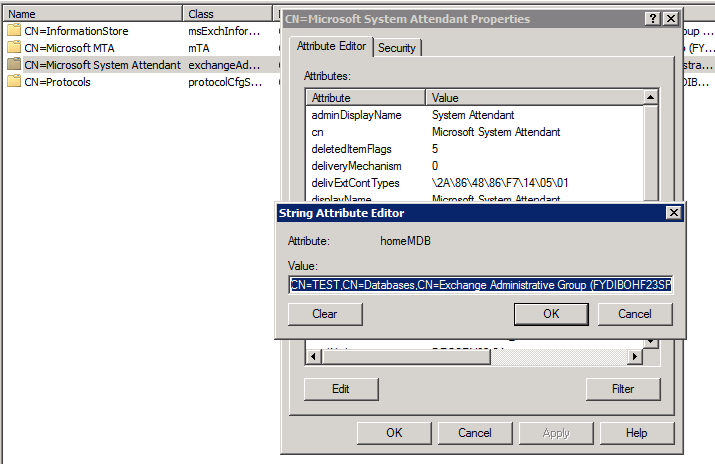
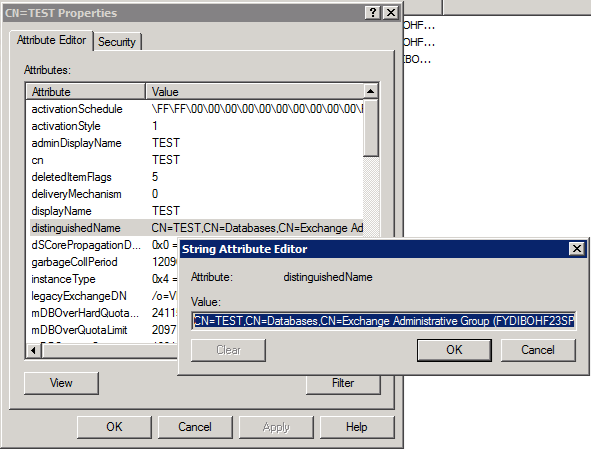
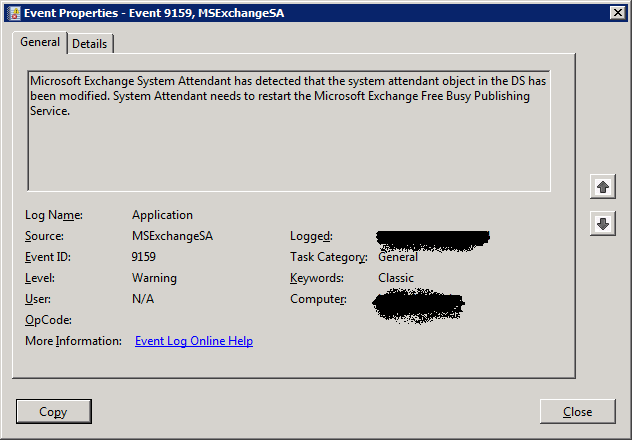
Al lot of people were cheering in the inter active session on Exchange 2010 SP1 High Availability with Scott Schnoll and Ross Smith of the Exchange Team. They announced (between goofing around) that the alternate server that provides failover to the clients (so they can select another public folder database to connect to) for public folders and that is sadly missing from Exchange 2010 would return with Exchange 2010 SP 1 Roll Up 2. This feature is needed by Outlook to automatically connect to an alternate public folder and it’s return means that high availability will finally be achievable for public folders in Exchange 2010 SP1. That’s great news and frankly an “oversight” that shouldn’t have happened even in Exchange 2010 RTM. The issue is described in knowledge base article “You cannot open a public folder item when the default public folder database for the mailbox database is unavailable in an Exchange Server 2010 environment” which you can find here http://support.microsoft.com/kb/2409597.
In previous versions of exchange you made public folders highly available to Outlook clients by having replica’s. The Outlook clients could access an replica on another server if the default public folders as defined in the client settings of the database was not available. Clustering in Exchange 2010 does nothing for public folders. In Exchange 2010 the Outlook clients connect directly to the mailbox server in order to get to a public folder so they do not leverage the CAS or CAS array. Also the DAG does not support public folders and as clustering happens at the database level on DAG members and no longer at the server level we no longer get any high availability for the clients with clustering in Exchange 2010. Sure, if you have multiple replica’s the data is highly available but the access to another replica/database/server for public folder doesn’t happen automatically in Outlook when you’re running Exchange 2010. To make that happen you need an alternate server to be offered to the client for selection But as this feature is missing in Exchange 2010 up until SP1 Roll Up 1 in reality until now you need to keep using Exchange 2003/2007 to have public folder high availability. Exchange 2010 SP1 Roll Up 2 will change that. I call that good news.

 .
.