Learning Resources for Windows 8 Clustering, WNLB & Hyper-V 3.0

I know a lot of you are, just like me, actively investigating Windows 8 & Hyper-V. You’re downloading the Beta, reading blog post, discussing scenarios and use cases and that’s great. You’re investing in a bright future Smile

Here are some blog post that contain gems of information and that I’d like to bring to your attention:

Enjoy!

No Hyper-V Module for Windows PowerShell After Upgrading to Windows Server 8?

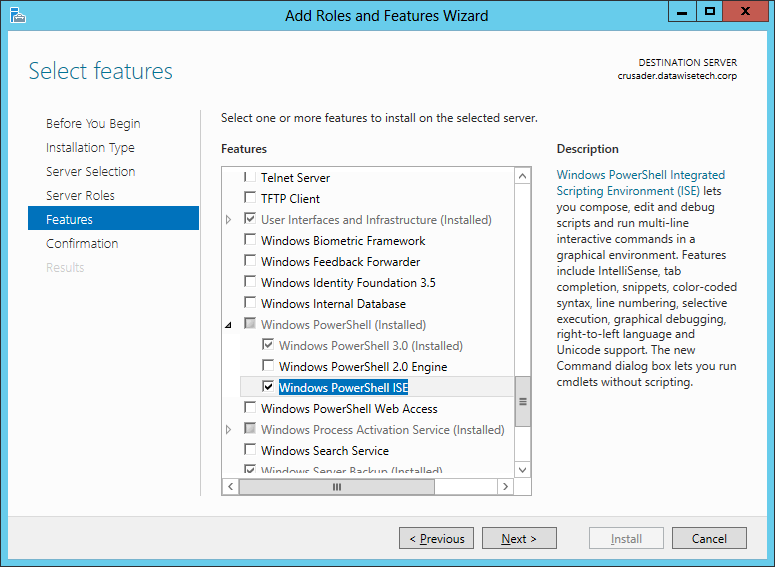
When I upgraded some of my Hyper-V hosts from Windows 2008 R2 to Windows 8 I noticed I wanted to do some experiments using the Hyper-v Module for Windows PowerShell. So the first thing I did was install the Windows PowerShell integrated Scripting Environment (ISE) via the Add Roles and Features Wizard on my client. You don’t usually install this on your servers.

ISEPosh


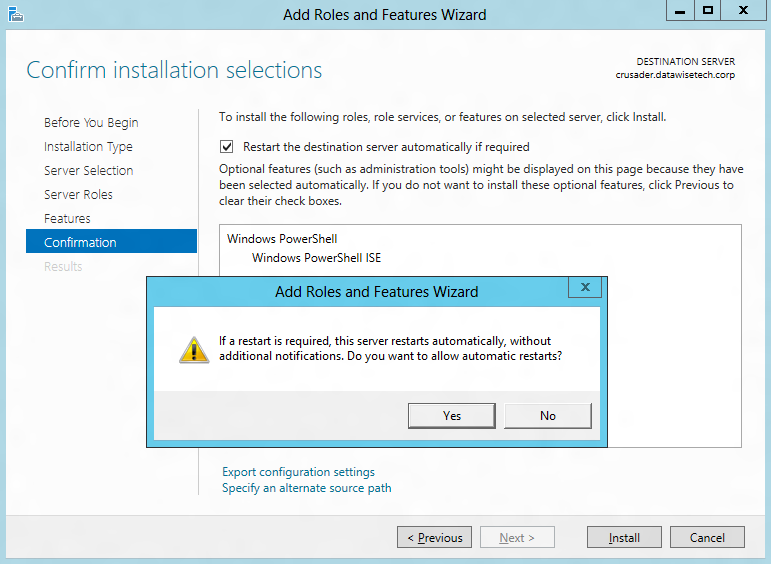
We opted to restart automatically if required, so we get a warning this server might restart.

image


Windows PowerShell ISE is installing

installISE2


We are informed of our successful installation.installISE3

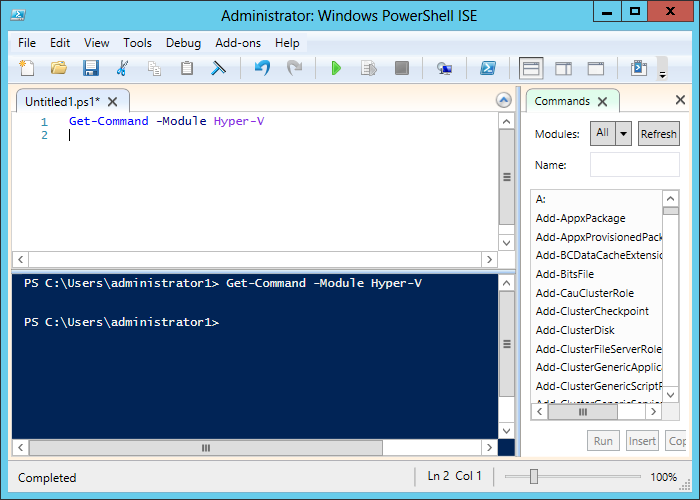
That was easy and no reboot required. So we launch ISE and start testing some commands of our new Hyper-V Module. But that doesn’t do much for us. Nothing happens.get-command 1


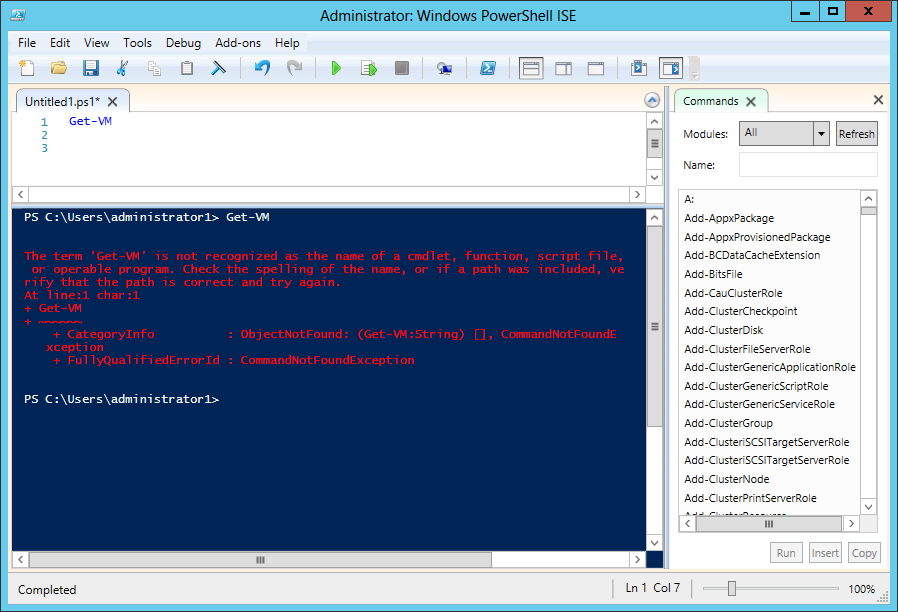
So I try some more commands. But no luck, just some errors that the commands are not recognized or Get-Help can’t find anything of that command.  I also not that for non of the Hyper-V commands I have any IntelliSense support.

Nope2 

No jio

So it seams the Hyper-V Module for Windows PowerShell is not installed. But I can’t make that out from the Roles Wizard.

I needed to get this going fast so I uninstalled the Hyper-V role and than added it again. That did the trick as now the Hyper-V Module for Windows PowerShell is also installed because I can execute commands

Success.


Just install the Hyper-V Module for Windows PowerShell via Features

But after discussing this with Microsoft it turns out that uninstalling and reinstalling the Hyper-V role is not necessary at all. You see when you upgrade a Window 2008 R2 node to Windows 8 it does not install Hyper-V by default as this would change the original install base and they try not to install features you didn’t have before during an upgrade. On a clean install where you add the Hyper-V role you won’t have this issue as the Hyper-V Module for Windows PowerShell is installed by default. What confused me is that I didn’t see an option under Roles to add Role Services to roles as I was used to do in Windows 2008 R2. There is no sub tree or anything.

Hyper-VRoleIInstalled


I was thinking along the same path in Windows 8 but here we can find it in the in “Add Roles and Features Wizard” under Features / Remote Server Administration Tools sub tree. That has two entries. One for Feature Administration Tools and one for Role Administration tools and und the latter we find the Hyper-V Management Tools with Hyper-V Module for Windows PowerShell. Just a tip Smile

You can add it your self after the upgrade by going to Server Manager and starting the Add Roles & Features Wizard.

image

You go through the normal steps and select to install Hyper-V Module for Windows PowerShell.

clip_image002


We are asked for confirmation of our request actions.

installit


The Hyper-V Module for Windows PowerShell is being installed.

installit2


And we have a successful install. We can start scripting on that node right way Smile

Installit3

Happy scripting!

The shortage of skilled employees, are we making it worse?

We still have a serious problem in ICT. Even in this second decade of the 21st century. While the entire industry has been buzzing with IT-Business alignment for many, many years now, I often notice that we have not gotten very far. For one the divide between business & IT is an artificial disconnect. This artifact does exist, but we’ve created it, and all we need to do is stop doing that. No one is giving this much attention to the struggling relations of business with the HRM or the finance departments.

In contradiction of what we might expect, while this artifact is detrimental to the success & profitability of IT, it is not taken seriously enough. Sure the business absolutely needs to define what they need. But in an ever more rapidly changing technology world they do not have the knowledge needed to do that. So we need bridge builders, people with the skills to translate technology used in IT into competitive solutions and highly efficient & profitable systems. It takes a special breed & some serious skills to act on opportunities and see them materialize with the help of IT solutions. It also takes a whole lot of common sense. The latter often seems to be lacking. Why does this happen?

This is not just about business and not just about technology. It’s something in between. As a result it’s often seen as not that critical and this leads to staffing these functions with the wrong skillsets. At best they are populated by people who want to get into the IT sector but don’t like technology that much. This is enforced by all those campaigns to make IT more sexy and attractive to the new generations who associate IT with nerds. It’s beyond me why we’d want to attract people who think so superficially but hey, that’s just me. But aren’t we building our own future nightmare this way? At worst it is used to get people in better pay grades. The functions might very well mandate better pay due to its complexity and the required skill set but this only holds true if you get the right people in those functions. Whatever the reason, this is a major pain point. Why?

The neglect of these bridging functions lets people without the necessary skillsets take responsibility for decisions they are incapable of making. Their knowledge of the technical matters is not up to that task and business wise they’re often in the same boat. So now we have a bunch of people who have way too little understanding of what IT and business is and what they themselves should achieve in that bridging role. Oh great, so fundamentally critical decisions are being made by the unqualified. People who lack skills, experience and context will fall back to methodologies & theories. They use them as cook books. Unfortunately reading and using a cookbook doesn’t make any one a chef. And these are the roles where we need chefs’ people. In reality there is a giant gap between reality and all the theories, methodologies & real or perceived knowledge on how IT can be better aligned with the business and be run more successfully and profitably.

I can only conclude that allowing this to happen means that the functions that are supposed to be bridge that cap is not taken seriously enough. For all the lip service to these efforts it cannot be for lack of acknowledgement of the pain points. But the solution often seems more of what doesn’t work, thereby eroding any credibility of the bridging functions. This is costing us dearly and it will only get worse if we don’t stop this madness. There is of cause the fact that projects become more and more expensive with all the * architects, * analysts & * officers. On top of that the complexity keeps rising and we don’t seem to be very good at managing that. Ask any engineer what the worst enemy in any project is and you’ll get uncontrolled and unmanageable complexity as an answer. But even worse, you are faced with the fact that best people in the business, bridge and technical positions eventually leave. Tired & worn out by the environment that doesn’t value them as they don’t understand their true contribution and skill set.

This means that even today IT retreats into its technical areas of expertise and the business doesn’t learn what IT is & can do. If we don’t get better at bridging that gap we are doomed to keep failing at ever higher costs and you’ll lose ever more valuable employees. The only difference will be we’ll have more parties than IT and business to point our fingers at as the ones to blame.

Upgrading Hyper-V Cluster Nodes to Windows Server 2012 (Beta) – Part 1

This is a multipart series based on some lab test & work I did.

  1. Part 1 Upgrading Hyper-V Cluster Nodes to Windows Server 2012 (Beta) – Part 1
  2. Part 2 Upgrading Hyper-V Cluster Nodes to Windows Server 2012 (Beta) – Part 2
  3. Part 3 Upgrading Hyper-V Cluster Nodes to Windows 8 (Beta) – Part 3

After I got back from the MVP Summit 2012 in Bellevue/Redmond I could wait to start playing with a Windows 8 Hyper-V cluster so I decided to upgrade my Windows 2008 R2 cluster nodes to Windows 8. That means evicting them on by one, upgrading them and adding them to a new Windows 8 cluster. As we can build a one node cluster this can be done a node at the time. This isn’t a fail proof definite “How To”, I’m just sharing what I did.

Evicting a node

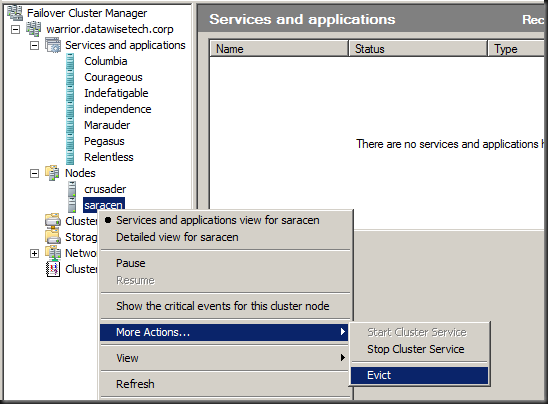
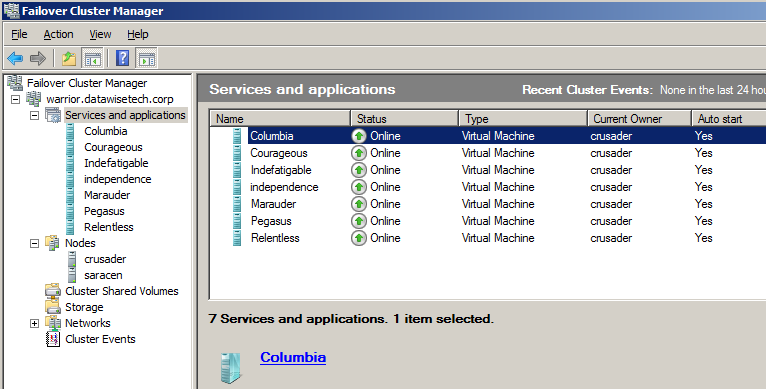
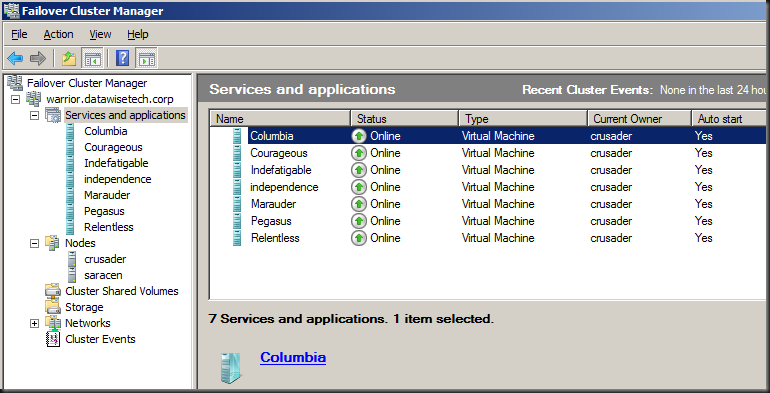
Before evicting a node make sure all virtual machines are running on the other node(s). As you can see the cluster warrior has 2 nodes, crusader & saracen (I was listening to some Saxon heavy metal at the time I built that lab setup). We evacuated node saracen prior to evicting it.
image

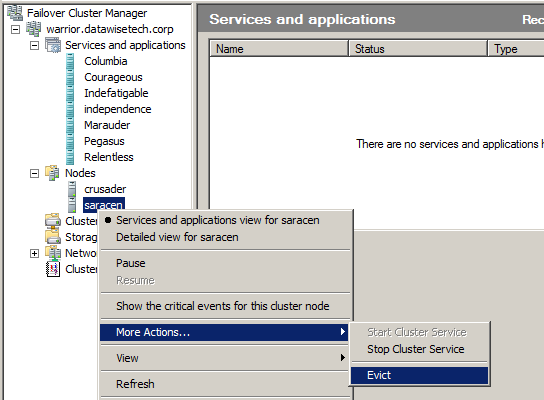
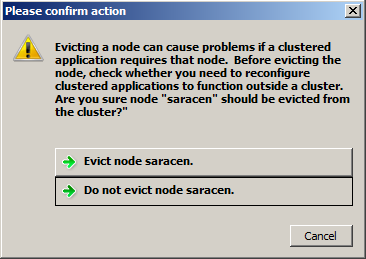
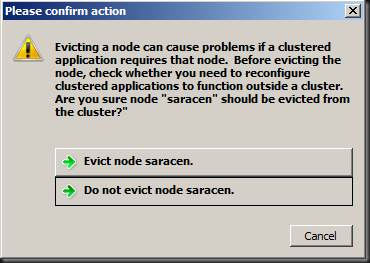
Evict the node & confirm when asked.
image

image

When this is done all storage is off line to the node evicted from the cluster. No need to worry about that.

Upgrade that node to Windows 8

To anyone having installed/upgraded to Windows 2008 R2 this should all be a very recognizable experience. Being lazy, I left the iSCSI initiator configuration in there with the Hyper-V & failover cluster roles installed during the upgrade. Now for production environments I like to build my nodes from scratch to have an exactly known, new and clean installation base. But for my test lab at home I wanted to get it done as fast as possible. If only the days had more hours …For extra safety you can pull the plug (or disable the switch ports) on your iSCSI or FC connections and make sure no storage is presented to the node during the upgrade process. Now please do mind is use Intel server grade NIC adaptors for which Windows 8 beta has drivers. Your situation may vary so I can’t guarantee the 7 year old FC HBA in your lab server will just work, OK!?

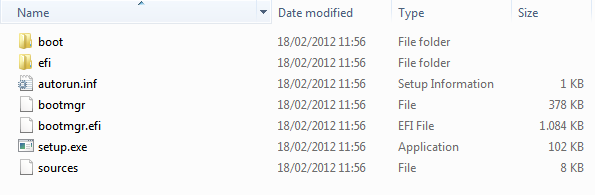
So run setup.exe from the Windows 8 (Beta) ISO you extracted to a folder on the server or  from the (bootable) USB you created with the downloaded ISO.
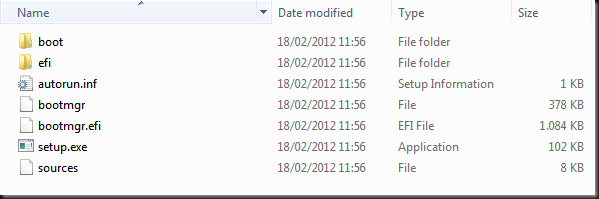
image


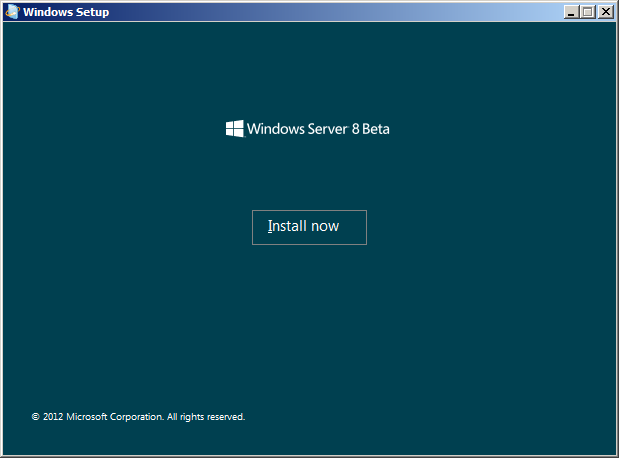
The Windows Setup installer will start.
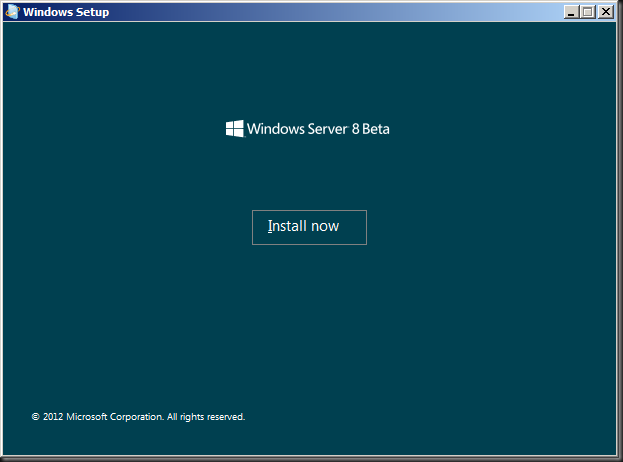
04 run setup


Click on “Install now” to proceed and start the setup process.

image


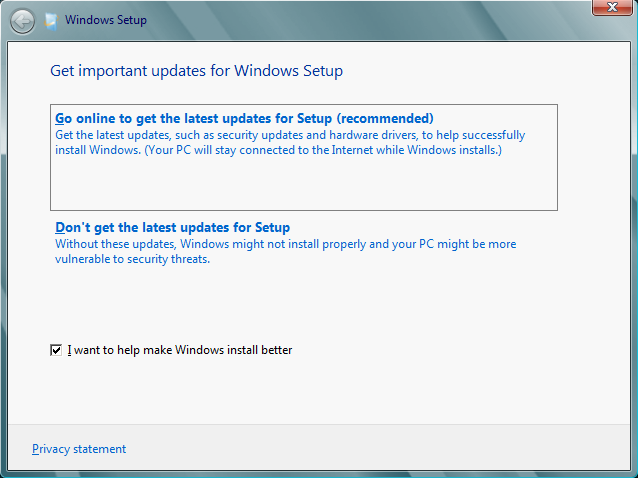
Select to “Go online to get the latest updates for Setup (Recommended)”
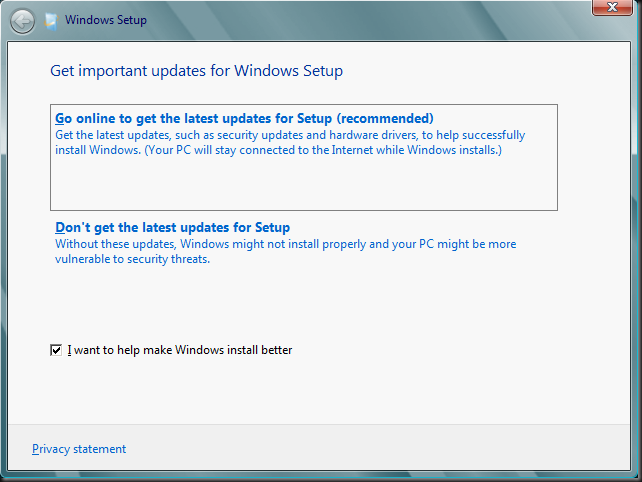
image


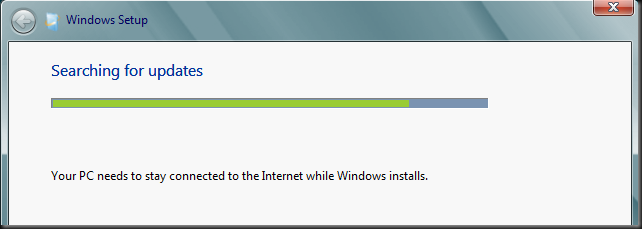
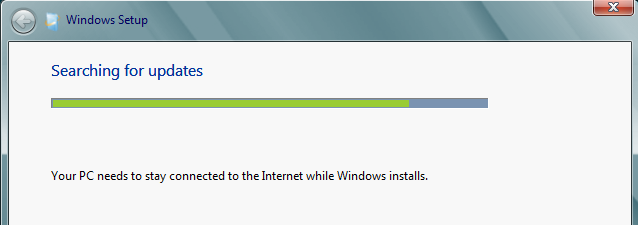
So it looks for updates on line.

image


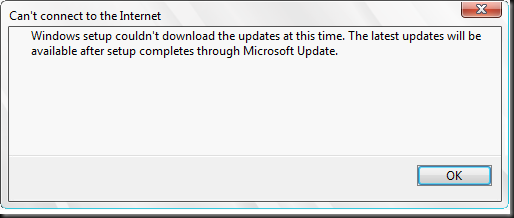
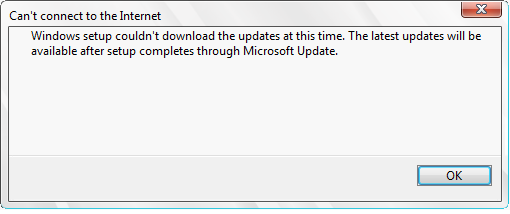
It didn’t find any but that’s OK.

image


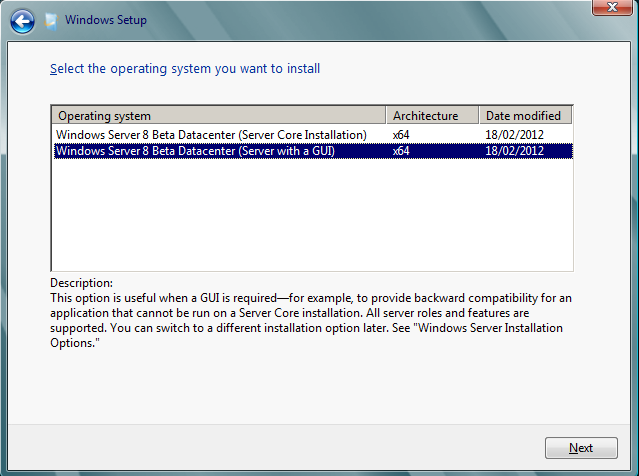
Select the installation you want. I went with for Server with a GUI as I want screen shots. But as I wrote in the blog post Windows 8 Server With GUI, Minimal Server Interface & Server Core Lesson with the Desktop Experience Feature you can turn it into a Server Core Installation and back again now. So no regrets with any choice you make here, which is a nice improvement that can save us a lot of time.
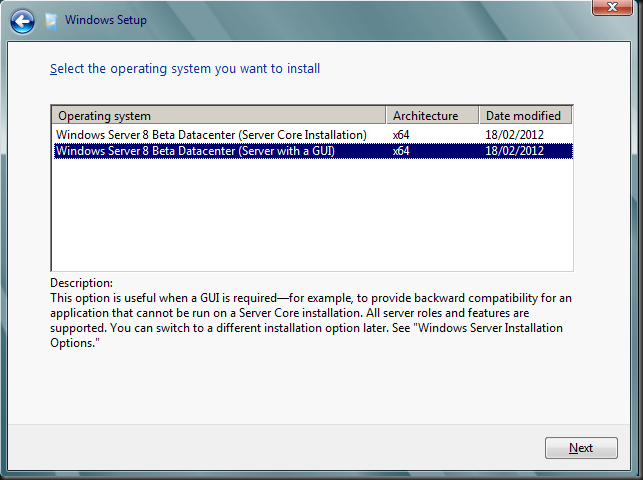
image

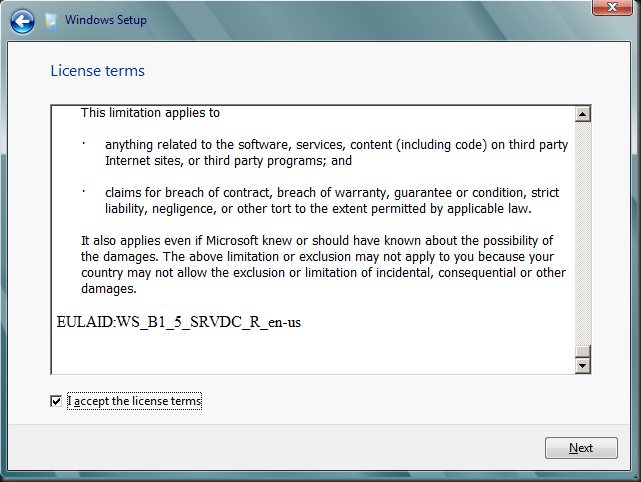
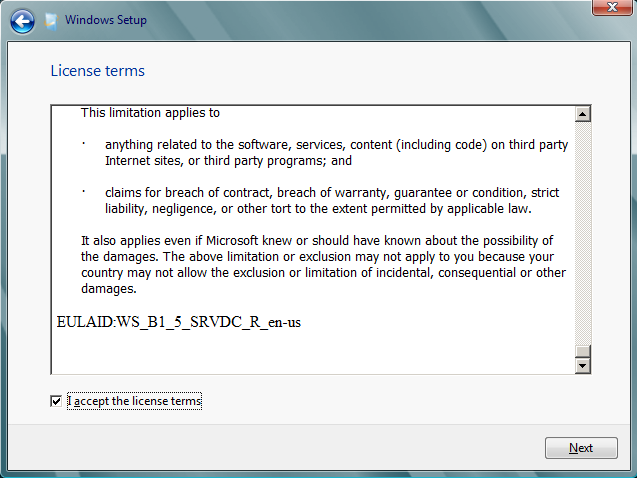
Accept the EULA

image


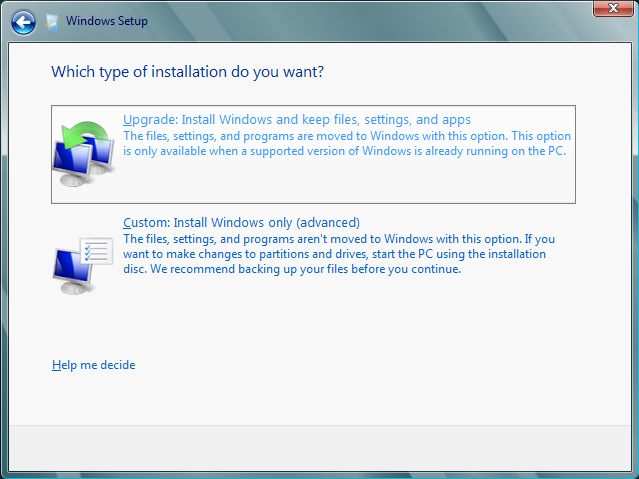
We opt to upgrade (in production I go for a clean install)
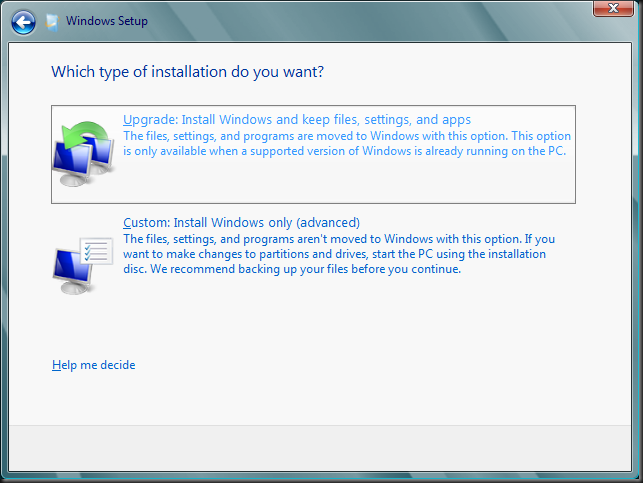
image


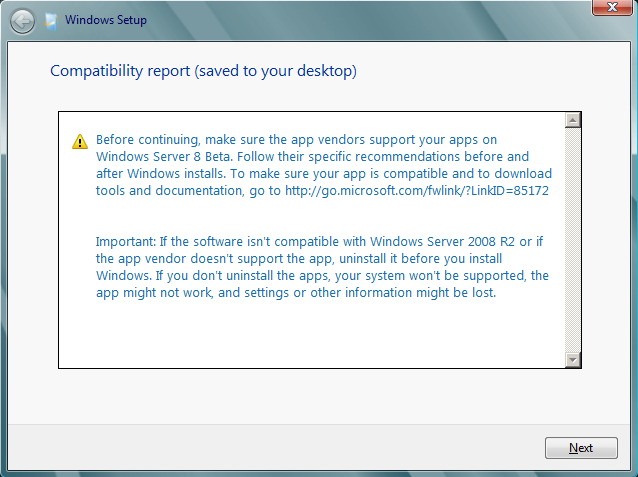
I get notified that I have to remove PerfectDisk. I had an evaluation copy of Raxco PerfectDisk installed I used to do some testing with redirected CSV traffic and defragmentation (see Some Feedback On How to defrag a Hyper-V R2 Cluster Shared Volume).
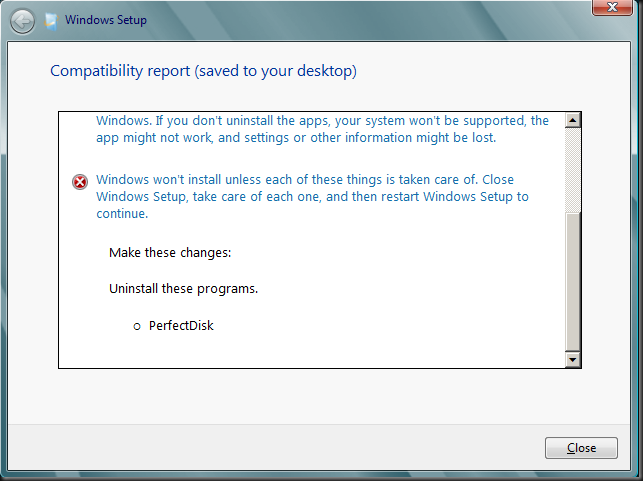
image


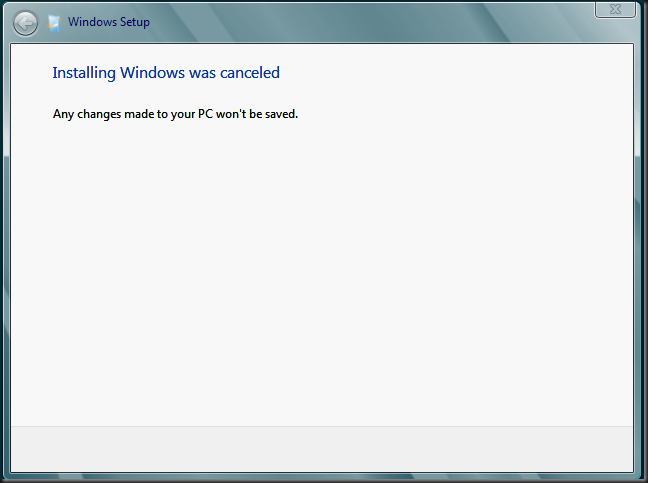
So the upgrade was cancelled.

image


I uninstalled PerfectDisk but still it was a no go. I  had to remove all traces of it in the registry & files systems that the uninstall left or the upgrade just wouldn’t start. But after that it worked.
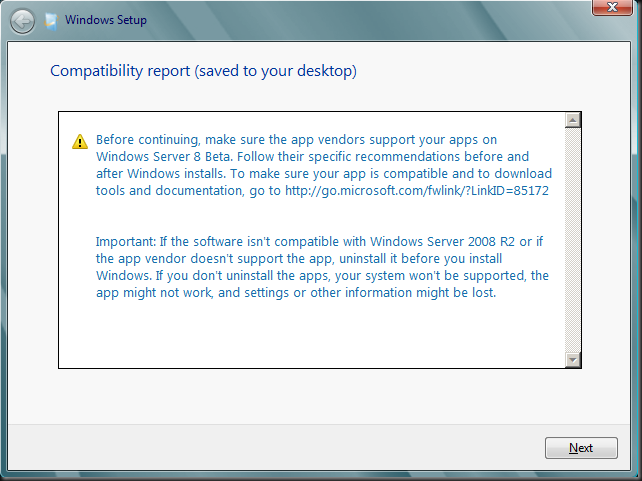
image


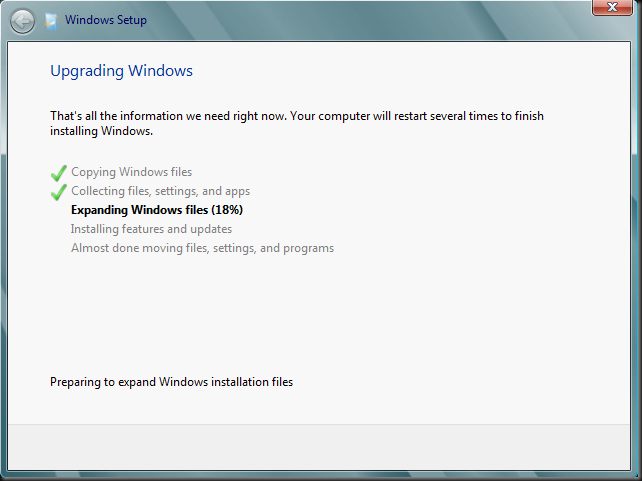
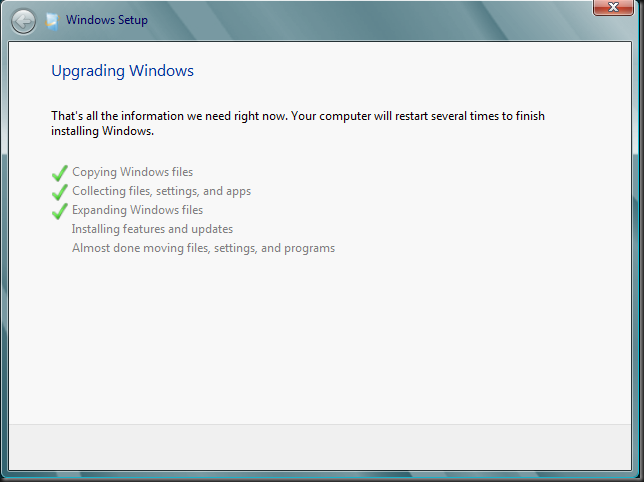
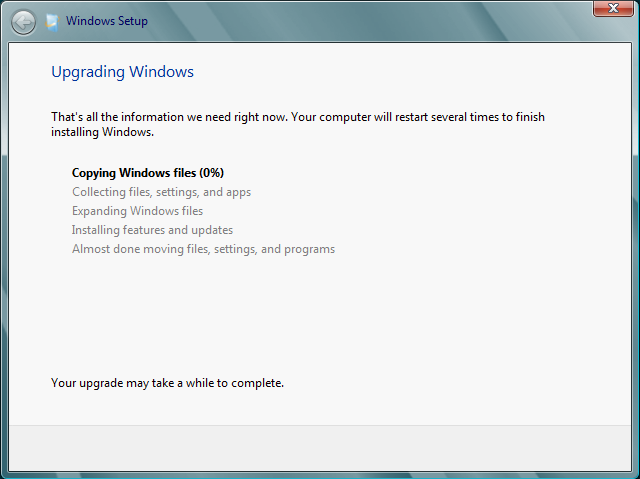
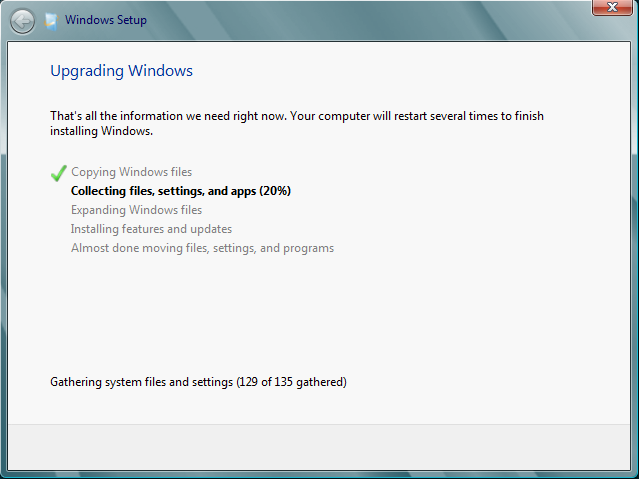
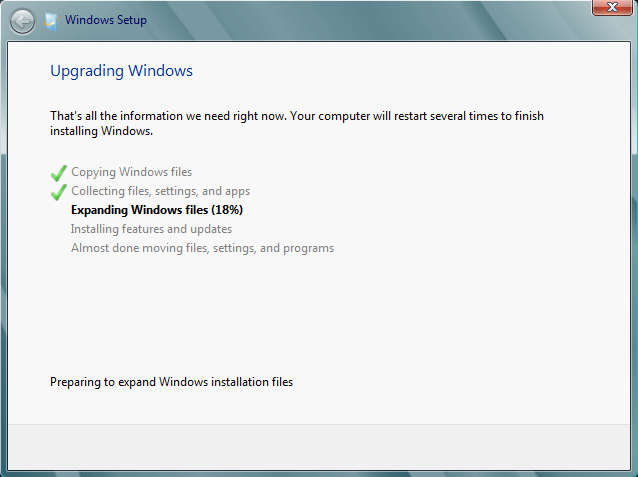
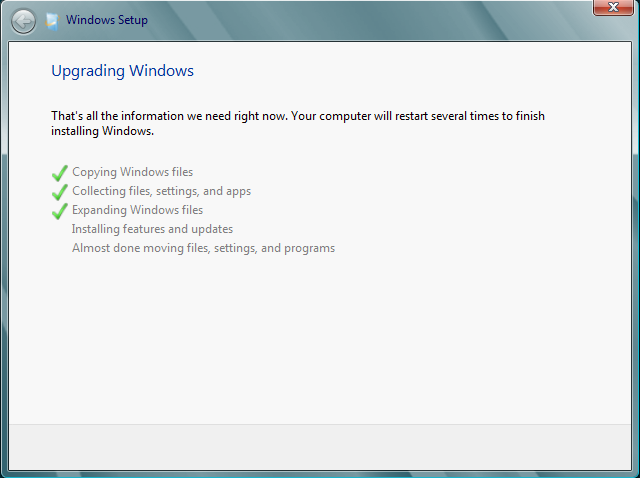
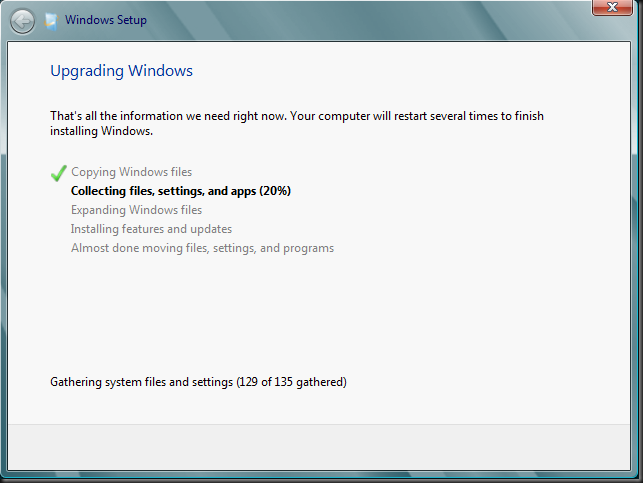
That means we can kick of the upgrade! It all looks very familiar Smile It takes a couple of reboots and some patience. But all in all it’s a fast process.
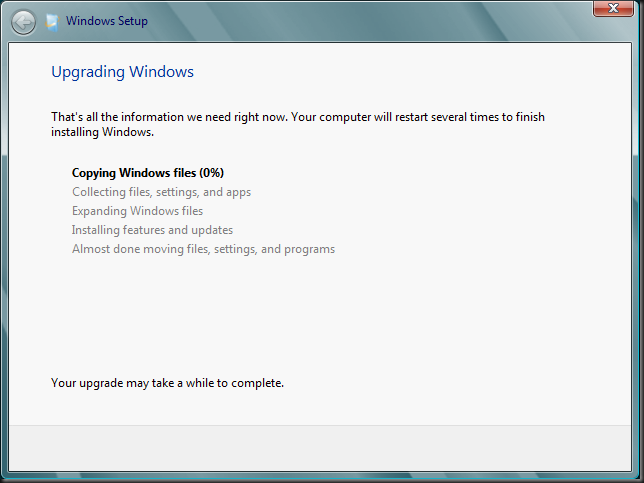
image

image

image

image

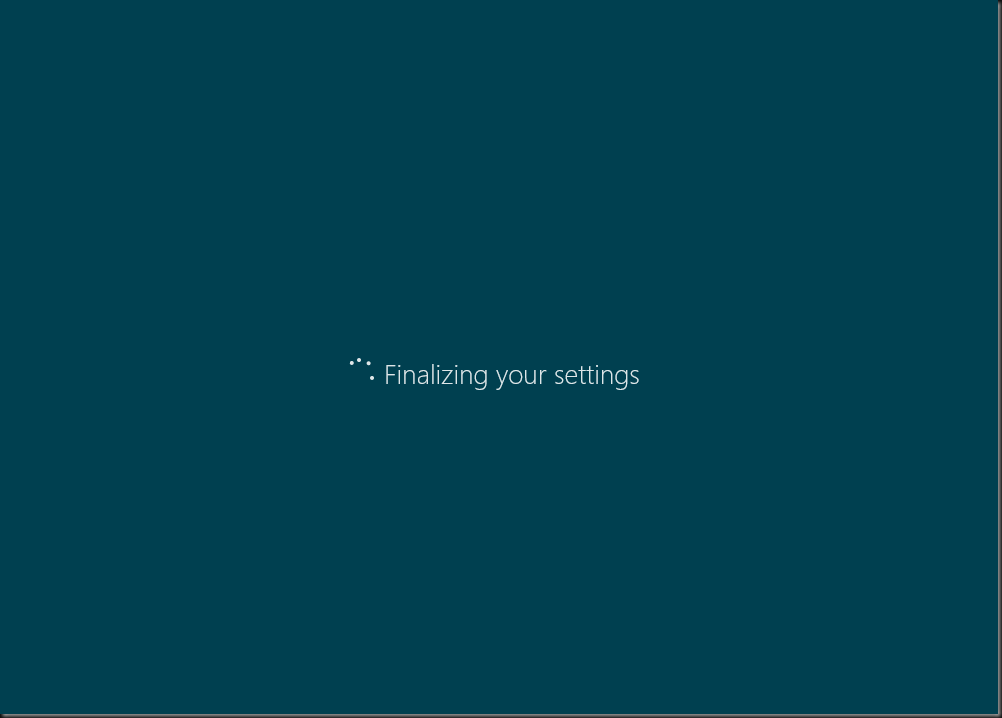
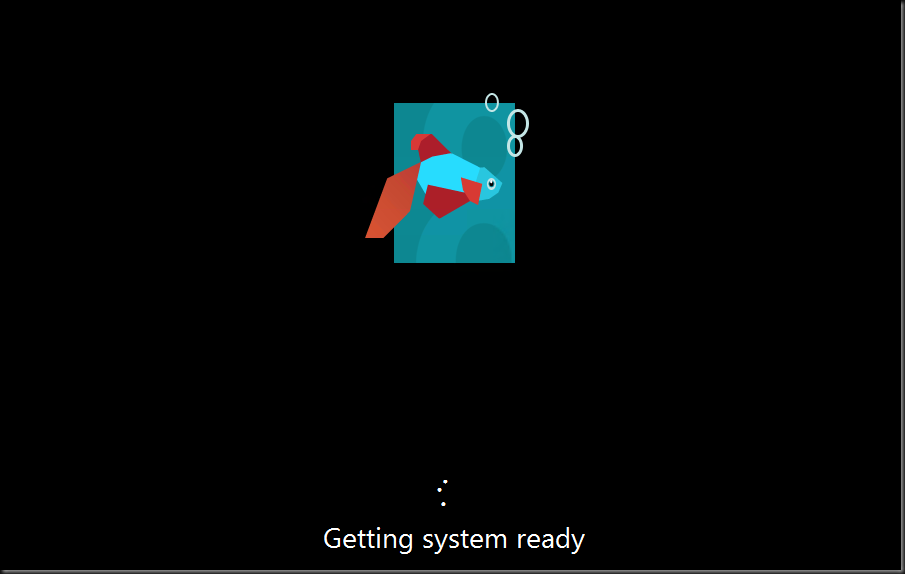
After this step it takes a couple of reboots and some patience. But all in all it’s a fast process. After some reboots and a screen that goes dark in between those …we get our restyled beta fish.
image

image

image

And voila we’re where we need to be … Smile

image


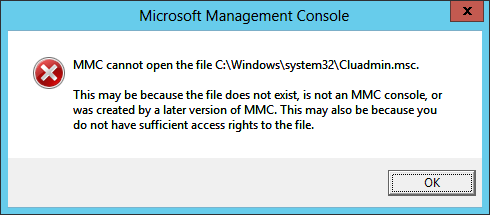
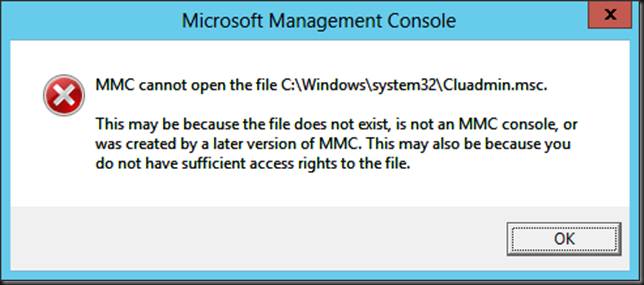
After the upgrade process I ran into one error. The GUI for Failover Clustering would not start. The solution if found for that was simply to remove that role and add it again. That did the trick.
ClusGUI


So this was a description of the first steps to transition a  Windows 2008 R2 SP1 cluster to a  Windows 8 (Beta) Cluster. As seen we evict the nodes one by one to upgrade them or do a clean install. In the latter case you’ll need to do the iSCSI initiator configuration again,  install the Failover Cluster role and in the case of a Hyper-V cluster the Hyper-V role. The nodes can than be added to a new Windows 8 cluster, starting out with a one node cluster. More on that in the second part of this blog post.