
Disclaimer: The Dilbert® Life series is a string of post on corporate culture from hell and dysfunctional organizations running wild. This can be quite shocking and sobering. A sense of humor will help when reading this. If you need to live in a sugar coated world were all is well and bliss and think all you do is close to godliness, stop reading right now and forget about the blog entries. It’s going to be dark. Pitch black at times actually, with a twist of humor, if you can laugh at yourself.
Attracting & retaining talent
If you listen to the talking heads in the media, recruiters & companies and read business related publications you’ll have noticed that when it comes to “Human Resources” there is supposedly a global war on. A war for talent. It’s not just attracting the best and brightest employees that is a concern but retaining them is even a bigger challenge it seems. When things are not to their liking they just pack off and fly off to the next awesome job opportunity which are available in vast numbers and give freedom to excel whilst paying great salaries.
They are talking about somebody else
Keeping employees happy is supposed to be a major concern in “the talent wars”. All companies are in this war we’re told. Perhaps even if just for the fact that no company will admit they are not looking for great talented employees. All evidence to the contrary I might add as a lot of organizations do not act as if they are in a war for talent at all. Good jobs don’t seem to be available in any decent number either. It often looks more like they are in a race to the bottom.
Last year of our major news papers had front page news. “War for talent? Forget it, that doesn’t exist”. They point to high unemployment, low wage jobs, social dumping, demographics, immigration, age, sex, race, … discrimination. In short a slew of reasons to conclude the war for talent doesn’t exist. Basically it boils down to this: if companies are in a a war for talent they can’t afford to lose so they can’t afford to act like this. Ergo, there is no war for talent.
I kind of disagree. There is most definitely a war for talent and there has always been one until computers & robotics outsmart us (dream on!). But let’s face it reality, 95% of us is not considered talent at all, but a resource, so we’re not in that war. As a resource we’re as expendable as ammo in a war. As long as they can keep the supply line filled they’ll fire (pun intended) and waste those resources at will. Basically we’re lucky if we’re smart enough and young (cheap?) enough to be considered employable. Forget the lower 20% of our unskilled workforce, for them the deal is even rougher. And when you get fired at > 50, well good luck “grandpa”. All this while the talking heads blabber on about working beyond 67 …
You want proof? Look around you. Here’s where the war for talent is raging: A Google Programmer ‘Blew Off’ A $500,000 Salary At A Startup — Because He’s Already Making $3 Million Every Year. Well that isn’t me and probably not you either. Now don’t think everyone at Google is in that position, it’s a minority. => Techies CAN sue Google, Apple, Intel et al accused of wage-strangling pact. You see they want your talent, but not pay for it in free market.
Lets look at some evidence that there might be no war for talent.
Toys & work force multipliers are not salary or a career
BYOD, a smartphone, tablet, laptop paid for by work. They bombard us with commercials about how we need to supply & support this if we want to stand a chance to even attract young talent. That’s only partially true. If I’m true top talent I’ll be able to afford those my self, thank you. I’d rather take a 6 figure salary and 30 days paid vacation & affordable quality health care. After all you need to take good care of talent, right?
Performance Reviews
A golden oldie. When judging by the annual performance review practices out there, they are trying to make talent walk by proving to them the organization is too hopeless to even stop totally useless evaluation practices.

In corporate life your management often has no clue what you do. They often don’t even understand it. To add injury to insult you often have to write them yourself.

Usually there’s only a stick
If you don’t have promotions, bonuses, rewards (not a merit badge, that’s just Neanderthal gamification done very, very wrong) or pay raises in place what’s with this war for talent anyway?
The fact that you can fire me if I’m not up to your standards? What kind of a messed up model is that? If we’re below standards you have a stick, I get that. If I meet, exceed or absolutely own those standards what exactly do you have to offer? Absolutely nothing? 
Ouch! We cannot do anything for you, it’s out of our control, they’ll tell you. Could be, but I cannot get away with that answer when it comes to delivering results. Do you even offer a career path? Employees don’t get promoted and if they do, it’s without a pay raise. Pay raises themselves are dead except for the legal minimum.
The exit interview to improve retention
The exit interview is as useful as a post mortem in preventing death. It helps find out what went wrong after the facts, but slightly less accurate than a real post mortem because in general the deceased don’t lie to you when you’re probing around and they always show up, all be it they have to be carried in. Just think the people left you was because while you’re great & wonderful and they just didn’t fit in and leave it at that. You’ll sleep better and waste less time.
You are creating your own hell
Most CxO types complain constantly about the lack of skilled employees that can think independently and have the ability to execute in order to achieve an end state. In reality that is their own fault. The system doesn’t work. The expect to buy and discard talent at will. Well there isn’t enough talent to go around anymore because too many don’t really invest in developing it for short term accounting benefits.
Talent needs time and opportunity to develops skills and expertise. No one wants to give that any more. So you’re creating your own shortage as it’s not magically going to start growing on trees. Secondly when you have people that have the intrinsic motivation, drive and abilities to develop themselves to be experts you don’t reward them. Instead they demand ever more from them and pay them nothing more then anyone else or even less as you promote the bodies you can do without. We’re creating our own skills gap hell. But it’s easier to cry that you are a victim of a failing education system that doesn’t deliver experts that are experienced and cheap straight out of college.
Short term perceived gains for real long term damage & costs
Without the right people in the right place you no longer have analytical, design and architectural expertise. You have outsourced all that to vendors, “partners” and consultants. So now who can evaluate what is valid and valuable for you? No one. You’ll just get sold the flavor of the day that generates them the most profits. And of that doesn’t work there is always new stuff to sell you that will fix it. You fell for the trap of easy and cheap access to expertise meaning you lost all the expertise you had yourself. You are now dependent on mercenaries and their aim is to make money for themselves and survive even if it means killing you. Every penny you spend wisely internally is an investment. Every penny you spend stupidly on a vendor is buying stuff that potentially makes you more dependent on them.
Companies are the ones to blame as they’re constantly in search of quick & dirty wins for short term (personal) gain. “Quick” is forgotten as fast as the word itself entails but the dirty part lingers around and stinks up the place long after the facts.
War for talent? Think again.
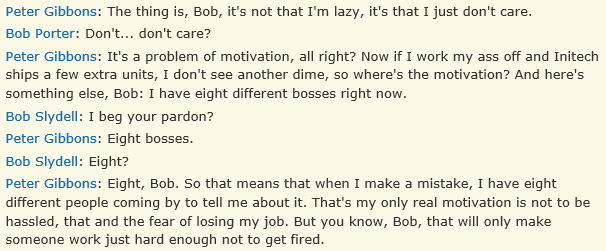
So exactly what’s the game play here? Employees doing exactly enough not to get fired? Because by the rules that ignore the above everything we do above that level is a misallocation of our resources. That’s very, very Office Space like dude.

In general it’s a race to the bottom leading to ever more mediocrity at ever higher costs and we all know who’ll get to pay the bill. Let’s hope some spin doctors can turn it into “good news”.




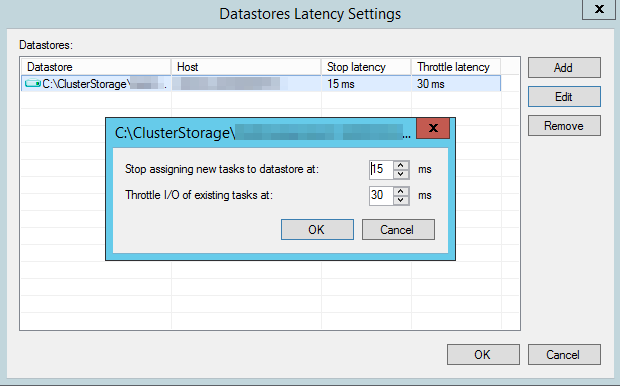


 . Normally this also concludes my traveling schedule for 2014 unless I’m needed/requested somewhere to help out. Being an MVP is about sharing in the community. The only way to prosper is to share the knowledge, experience and the wealth. It provides for a healthy ecosystem from which we all reap the benefits. This should be promoted and facilitated. There is too much expertise & knowledge not being leveraged due to the fact it’s economically unfeasible, and that’s a waste when people are screaming for IT skills. In a war for talent, any waste is surely very counter productive?
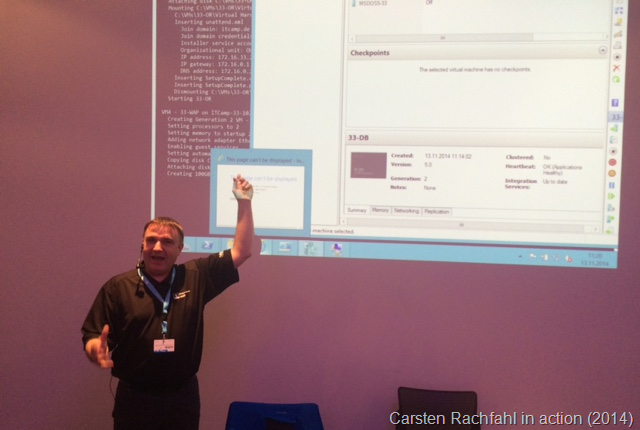
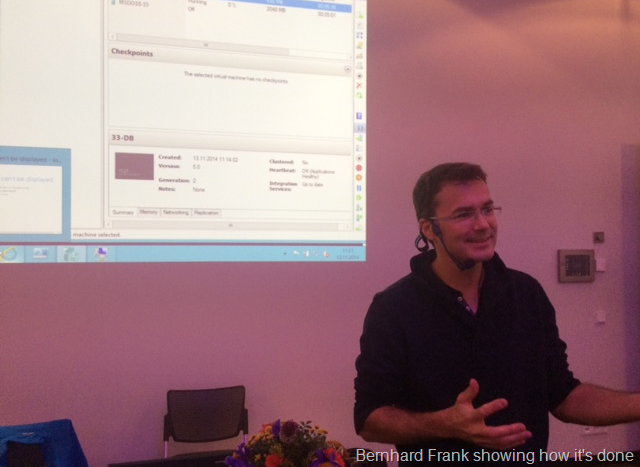
 . Bernard, Carsten, well done guys, I’m impressed. If you’re based in Germany and you or your team members need to get up to speed on how these technologies can be leveraged to modernize your data center I can highly recommend these guys and their workshops/IT Camps.