Some ODX Fun With Windows Server 2012 R2 And A Dell Compellent SAN

I’m playing and examining some of the ODX capabilities of our SANs (Dell, Compellent) at the moment. It all seems pretty impressive in the demo’s. But how does that behave in real live on our gear? How impressive is ODX? Well pretty darn impressive actually. And as all great power it needs to be wielded carefully, with insight and thought.

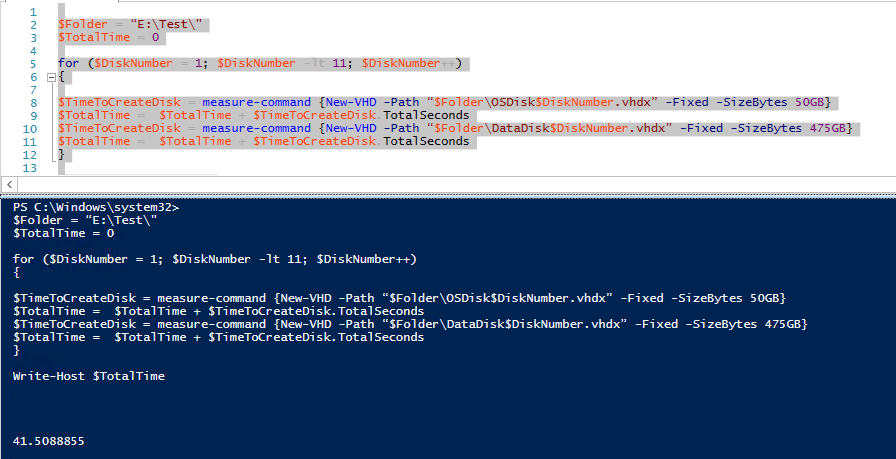
Let’s create some fixed virtual disks. 10 * 50GB vhdx and 10* 475GB vhdx. We run a simple quick PowerShell script:

image

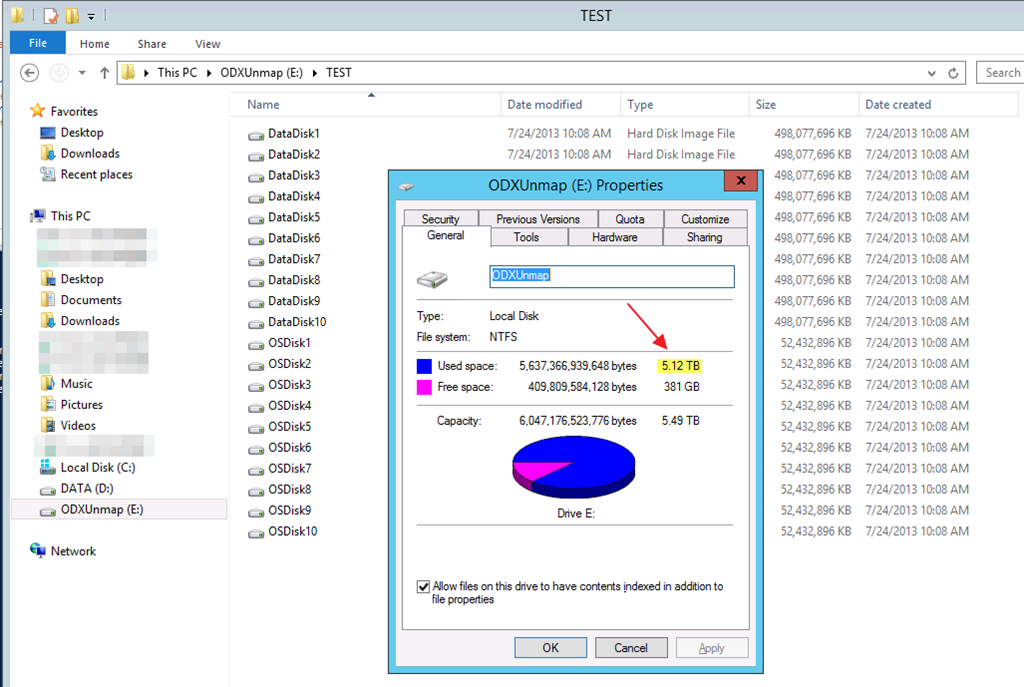
You see this correctly, it’s 41.5088855 seconds. let’s round up to 42 seconds. That’s 20 fixed VHDX files. 10 of 50GB, 10 of 475GB in 42 seconds. That’s a total of 5.12TB of vhdx files.

image

Compared to creating a single 5TB vhdx file this isn’t to shabby as that get done in 26 seconds!

You can only dream of the kind of scenario’s this kind of power enables. Woooot!!!

House Keeping In The Cluster Aware Updating GUI

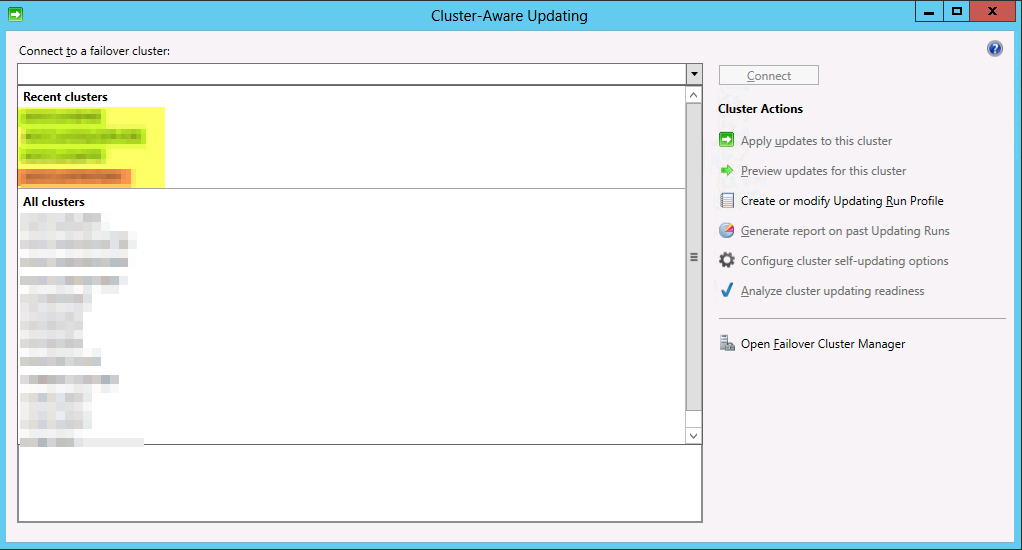
When you work in an environment with multiple clusters and some of them are replaced, destroyed etc, you’ll end up with stale clusters in the “Recent Clusters” list of the Cluster Aware Updating GUI. In the example below the red entry (had to obfuscate, sorry) is a no longer existing cluster but it’s very similar to a new one that was created to fix a naming standard error. So we’d like to get rid of those to prevent mistakes and cluttering up the GUI with irrelevant information.image

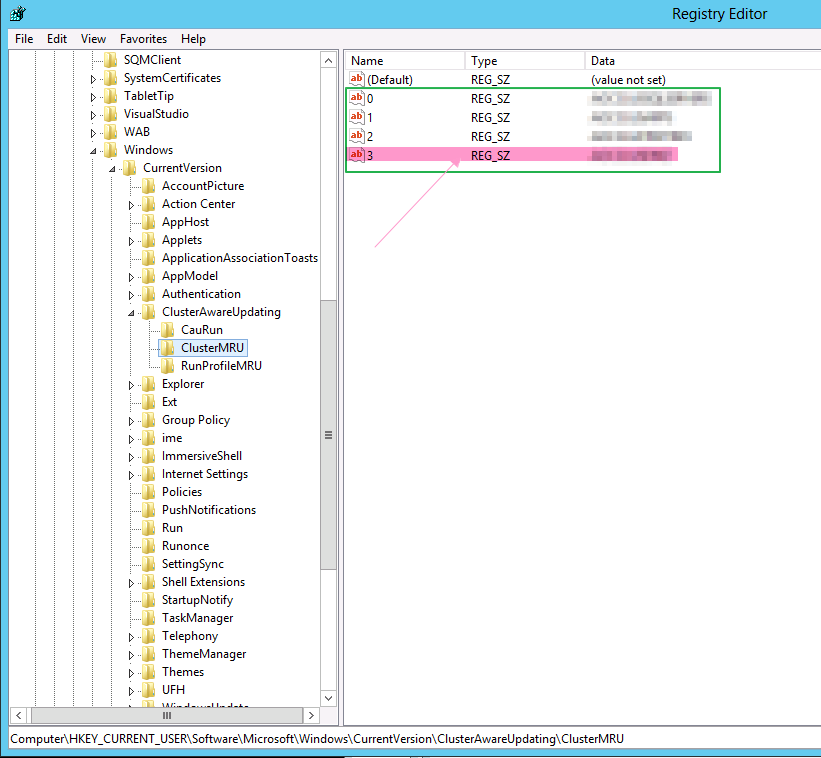
The Recent Cluster list is tied to your user profile and you can end up with a list polluted with stale entries of no longer existing clusters. To clean them out you can dive into the registry and navigate to:

HKEY_CURRENT_USERSoftwareMicrosoftWindowsCurrentVersionClusterAwareUpdatingClusterMRUimage

Simply delete the entries that contain the values of the old cluster that are no longer in existence.

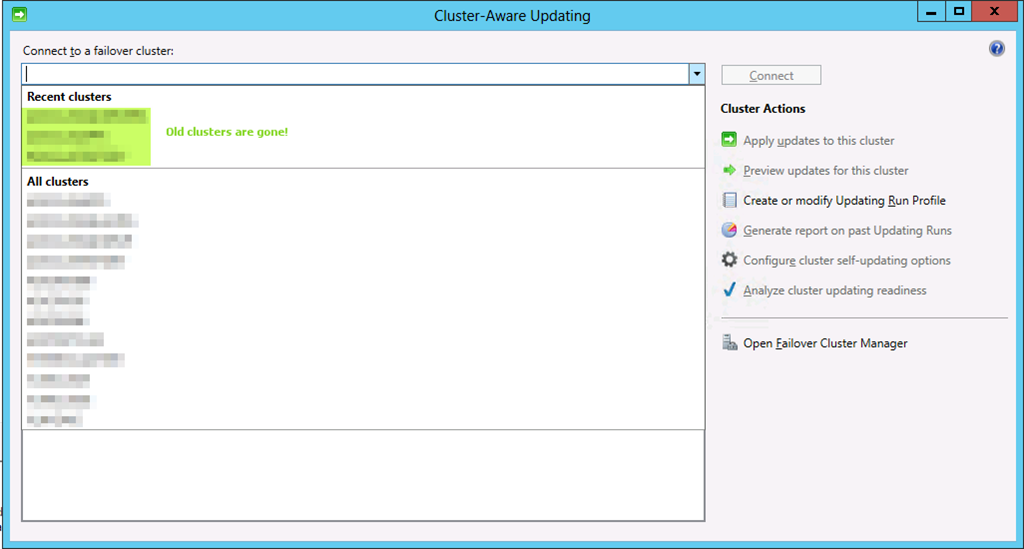
Close the Cluster Aware Updating GUI it still open and reopen it. You’ll see the stale entries to the one or more no longer exiting clusters in “Recent Clusters” is gone.image

Live Migration over NIC Team in Switch Independent Mode With Dynamic Load Balancing & Compression in Windows Server 2012 R2

In a previous blog post Live Migration over NIC Team in Switch Independent Mode With Dynamic Load Balancing & TCP/IP in Windows Server 2012 R2 we looked at what Dynamic load balancing mode in NIC teaming can do for us . Especially in a switch independent configuration as until now there was no possibility to leverage the complete bandwidth provided by the NIC team when migrating between only 2 nodes. I that blog we used TCP/IP. Now we’ll configure Compression and see what that does for us.

So we set up a NIC team in switch independent mode with Dynamic load balancing, it’s identical as that one used for the tests with TCP/IP.

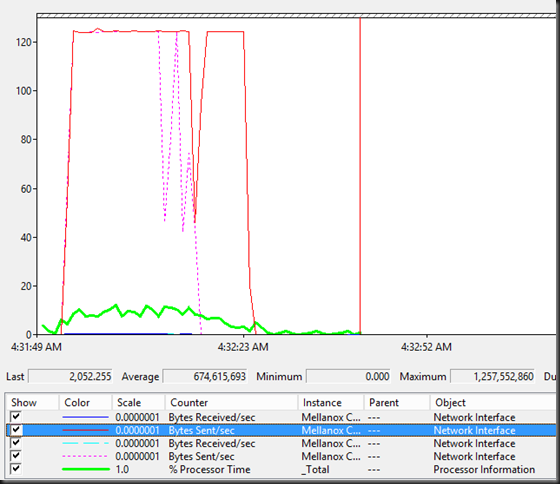
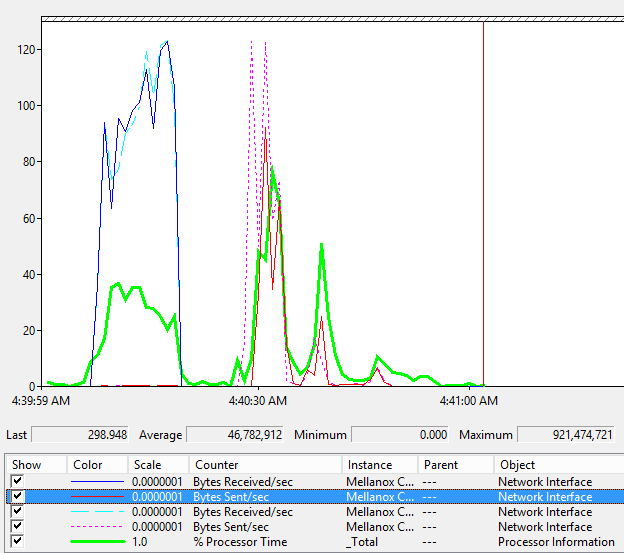
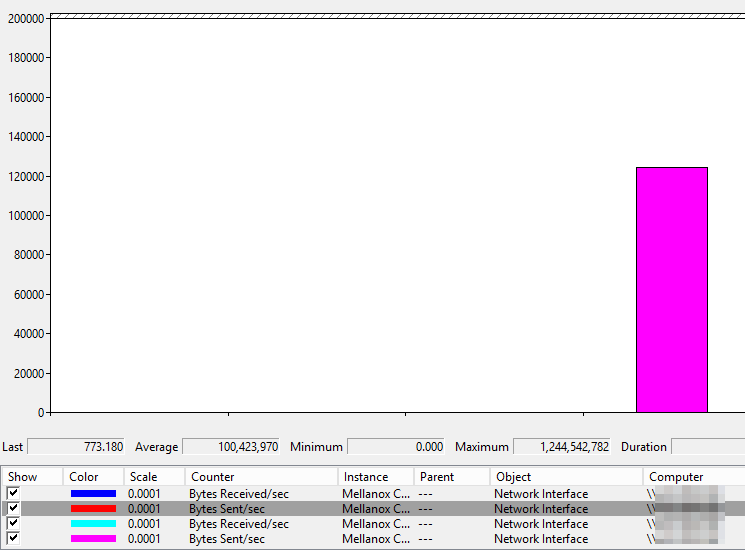
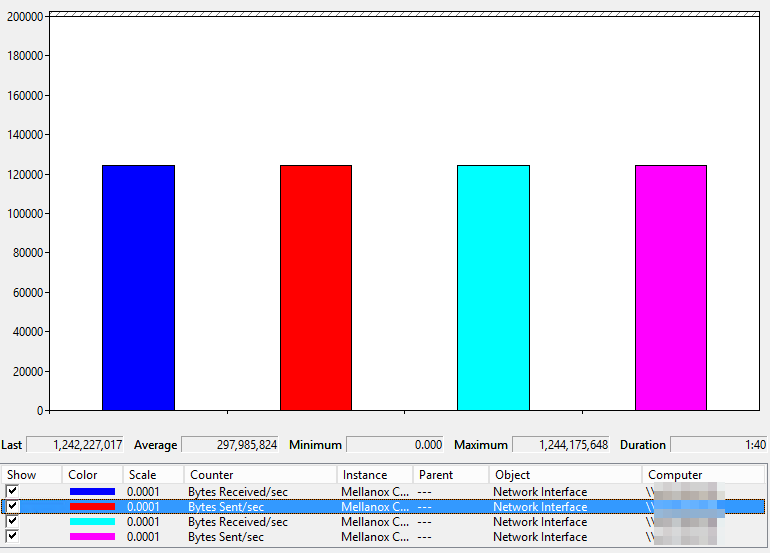
Compression basically slashes the live migration times in half at a cost. CPU cycles.And again with Dynamic load balancing we can now also use all member of a NIC team for live migration even in switch independent mode. The speeds for live migrating 6 VMs  with 9GB of memory simultaneously were 12-14 seconds.

image

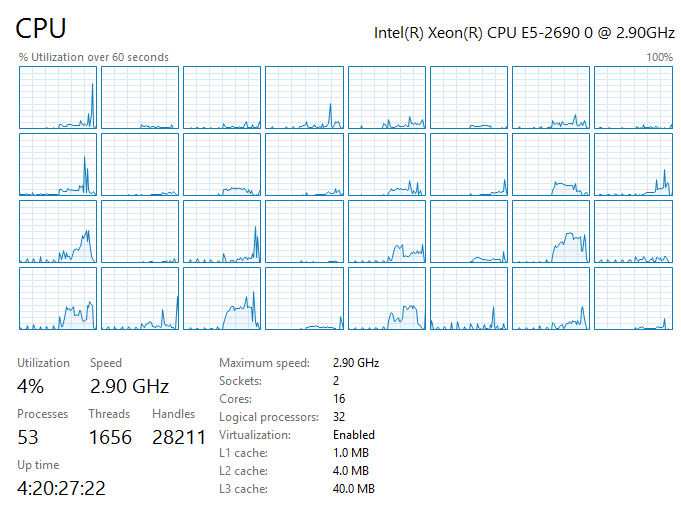
Take a look at the screen shot above. You see 6 VMs coming in to the host where these counters are collected and after that you see them being live migrated away from the host. As we have plenty of idle cycles I this test lab they get used, both when being the target and the source of the VMs being live migrated. You can also see that a lot less bandwidth is needed to achieve a faster live migration experience (compared to TCP/IP).

By the looks of it the extra bandwidth will help out when we have less CPU and vice versa. This is both the case for a single NIC or teamed NICs. Do note that you cannot combine compression with Multichannel. That means that the only scenario allowing for multiple NICs to be used with compression is NIC teaming. When you have a bunch  of free 1Gbps NICs in surplus this might get things moving for you!

Interesting stuff. I’m really looking forward to the moment we can run production loads on these configurations …

Live Migration over NIC Team in Switch Independent Mode With Dynamic Load Balancing & TCP/IP in Windows Server 2012 R2

As you can imagine I was quite interested in seeing what the new Dynamic load balancing mode in NIC teaming can do for us. Especially in a switch independent configuration as until now there was no possibility to leverage the complete bandwidth provided by the NIC team when migrating between only 2 nodes.

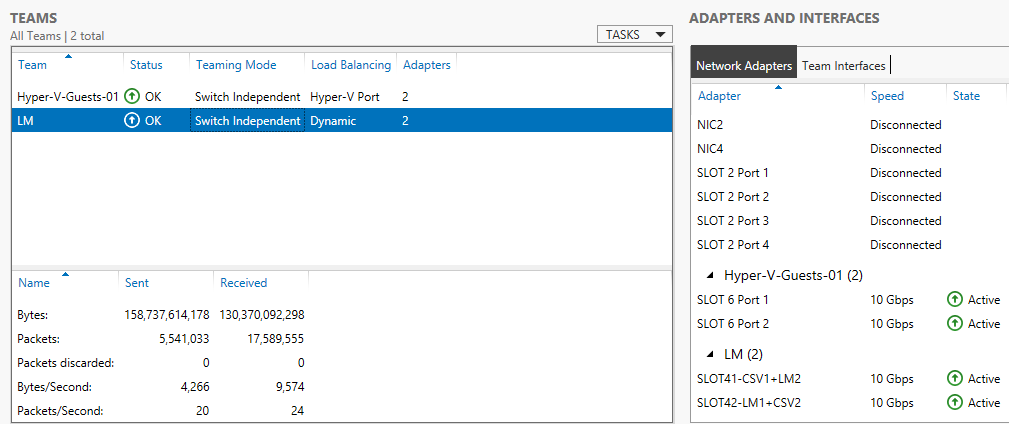
So we set up  a NIC team in switch independent mode with Dynamic load balancing. Here’s a screenshot of the NIC team setup. LM is the NIC team I’m using for some live migration testing.image
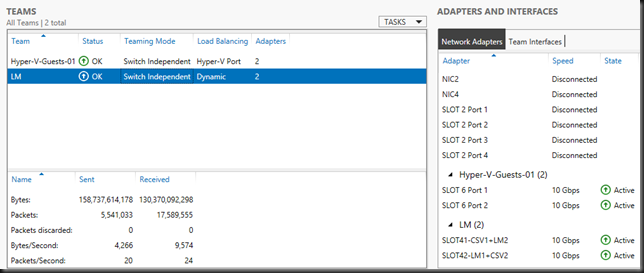
For these tests we used TCP/IP to do the live migrations. I’ll be sharing the compression & Multichannel performance option results in a later blog and do some comparisons. But for now I can inform you that with Dynamic load balancing we can now also use all member of a NIC team for live migration even in switch independent mode. I’m a fan of switch independent mode. Now possibly even more. Speeds for live migrating 6 VMs simultaneously with 9GB of memory were 28-30 seconds.image
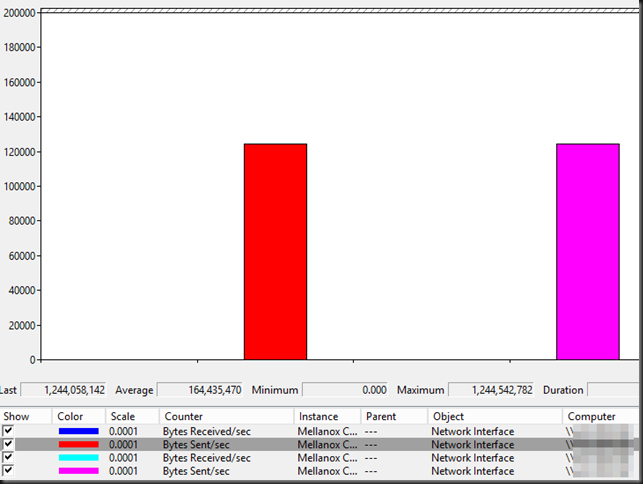
image

The CPU load not very low but RSS does it’s job to spread it out.image
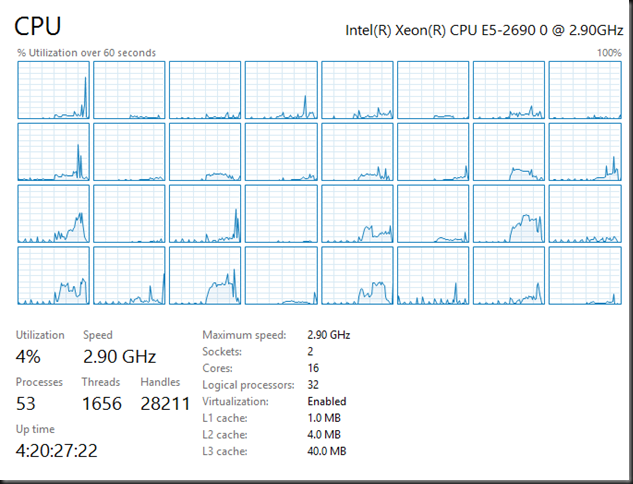
image

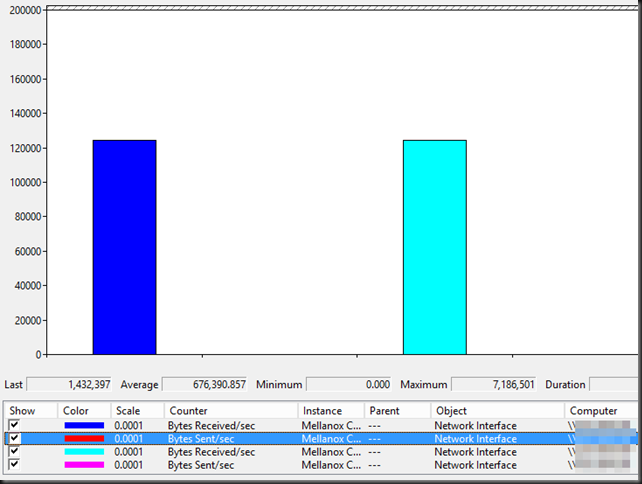
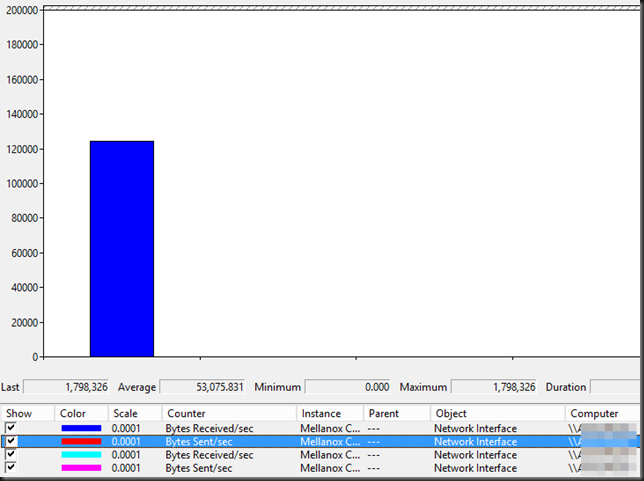
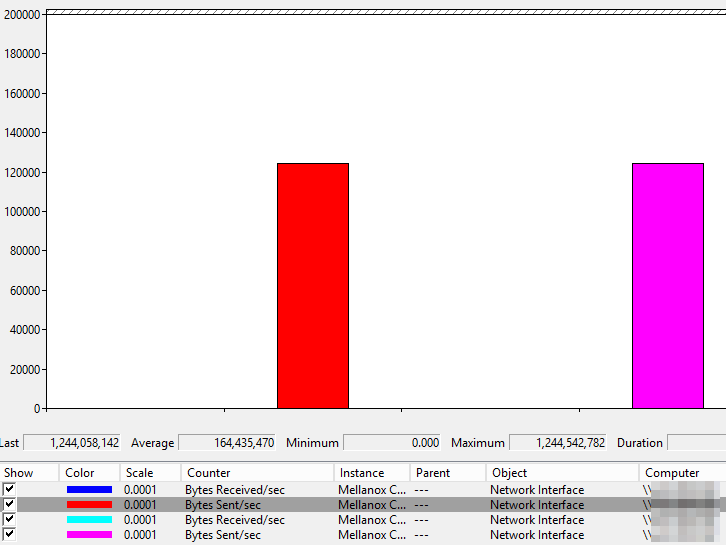
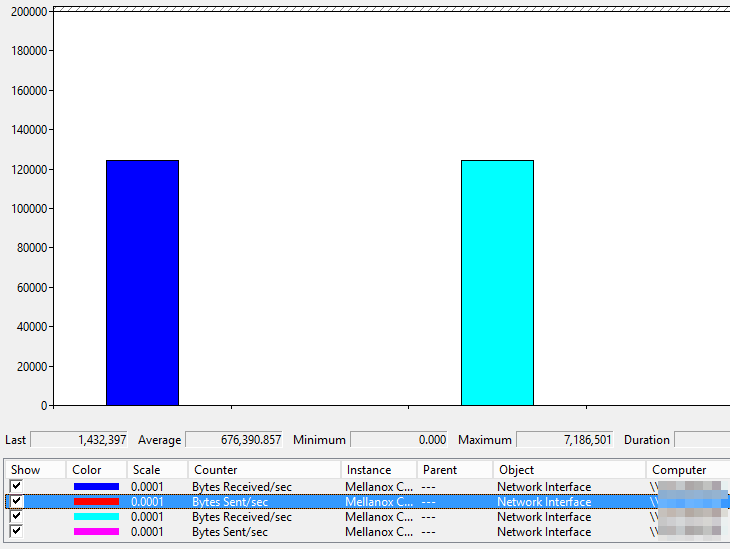
Now the beauty of al this is that this had no negative impact due to out of order packets. For one a single live migration sticks to a single team member. Here’s a screenshot of a single VM live migrated over a NIC Team with Dynamic load balancing.image
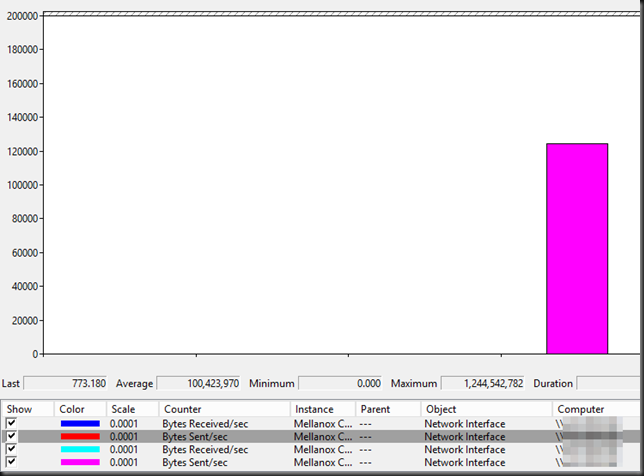
image

As you can see there will not be out of order packets in this case.

Secondly the Dynamic load balancing mode is based on the “flowlets”. This means that the impact due to out or order /reordering of TCP/IP packets is minimal.

I also refer you to the following article Dynamic Load Balancing Without Packet Reordering.The conclusion is quite interesting:

We have introduced the concept of flowlet-switching and developed an algorithm which utilizes flowlets in traffic splitting. Our work reveals several interesting conclusions. First,highly accurate traffic splitting can be implemented with little to no impact on TCP packet reordering and with negligible state overhead. Next, flowlets can be used to make load balancing more responsive, and thus help enable a new generation of real-time adaptive traffic engineering. Finally, the existence and usefulness of flowlets show that TCP burstiness is not necessarily a bad thing, and can in fact be used advantageously.

And now as a show closer let’s do live migrations between both hosts in both directions.image
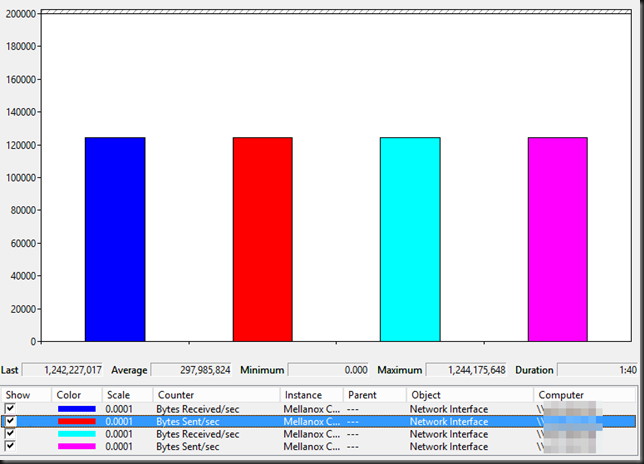
Speed people, in live migration is a thing of beauty. Microsoft is really providing us with lots of options. This is good. We can use what’s available, where available, when available and make sure we get the best possible solution and performance whatever the environment and budget.