Hyper-V UNMAP Does Work With SAN Snapshots And Checkpoints But Not Always As You First Expect

Recently I was asked to take a look at why UNMAP was not working predictably  in a Windows Server 2012 R2 Hyper-V environment. No, this is not a horror story about bugs or bad storage solutions. Fortunately, once the horror option was of the table I had a pretty good idea what might be the cause.

San snapshots are in play

As it turned out everything was indeed working just fine. The unexpected behavior that made it seem that UNMAP wasn’t working well or at least at moments they didn’t expected it was caused by the SAN snapshots. Once you know how this works you’ll find that UNMAP does indeed work predictably.

Snapshots on SANs are used for automatic data tiering, data protection and various other use cases. As long as those snapshots live, and as such the data in them, UNMAP/Trim will not free up space on the SAN with thinly provisioned LUNs. This is logical, as the data is still stored on the SAN for those snapshots, hard deleting it form the VM or host has no impact on the storage the SAN uses until those snapshots are deleted or expire. Only what happens in the active portion is directly impacted.

An example

  • Take a VM with a dynamically expanding VHDX that’s empty and mapped to drive letter D. Note the file size of the VHDX and the space consumed on the thinly provisioned SAN LUN where it resides.
  • Create 30GB of data in that dynamically expanding  virtual hard disk of the virtual machine
  • Create a SAN snapshot
  • Shift + Delete that 30GB of data from the dynamically expanding virtual hard disk in the virtual machine. Watch the dynamically expanding VHDX  grow in size, just like the space consumed on the SAN
  • Run Optimize-Volume D –retrim to force UNMAP and watch the space consumed of the Size of the LUN on the SAN: it remains +/- the same.
  • Shut down the VM and look at the size of the dynamic VHDX file. It shrinks to the size before you copied the data into it.
  • Boot the VM again and copy 30GB of data to the dynamically expanding VHDX in the VM again.
  • See the size of the VHDX grow and notice that the space consumed on the SAN for that LUN goes up as well.
  • Shift + Delete that 30GB of data from the dynamically expanding  virtual hard disk in the virtual machine
  • Run Optimize-Volume D –retrim to force UNMAP and watch the space consumed of the Size of the LUN on the SAN: It drops, as the data you delete is in the active part of your LUN (the second 30GB you copied), but it will not drop any more than this as the data kept safe in the frozen snapshot of the LUN is remains there (the first 30GB you copied)
  • When you expire/delete that snapshot on the SAN  we’ll see the size on the thinly provisioned SAN LUN  drop to the initial size of this exercise.

I hope this example gave you some insights into the behavior

Conclusion

So people who have snapshot based automatic data tiering, data protection etc. active in their Hyper-V environment and don’t see any results at all should check those snapshot schedules & live times. When you take them into consideration you’ll see that UNMAP does work predictably, all be it in a “delayed” fashion Smile.

The same goes for Hyper-V checkpoints (formerly known as snapshots). When you create a checkpoint the VHDX is kept and you are writing to a avhdx (differencing disk) meaning that any UNMAP activity will only reflect on data in the active avhdx file and not in the “frozen” parent file.
TechEd North America 2014 Session

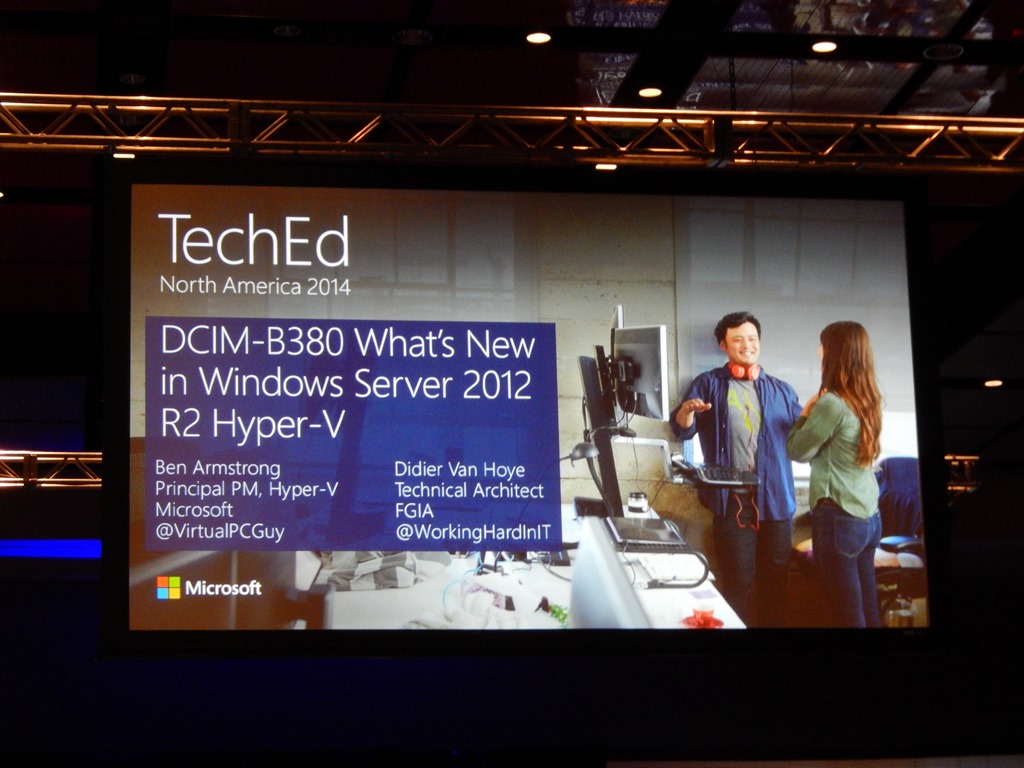
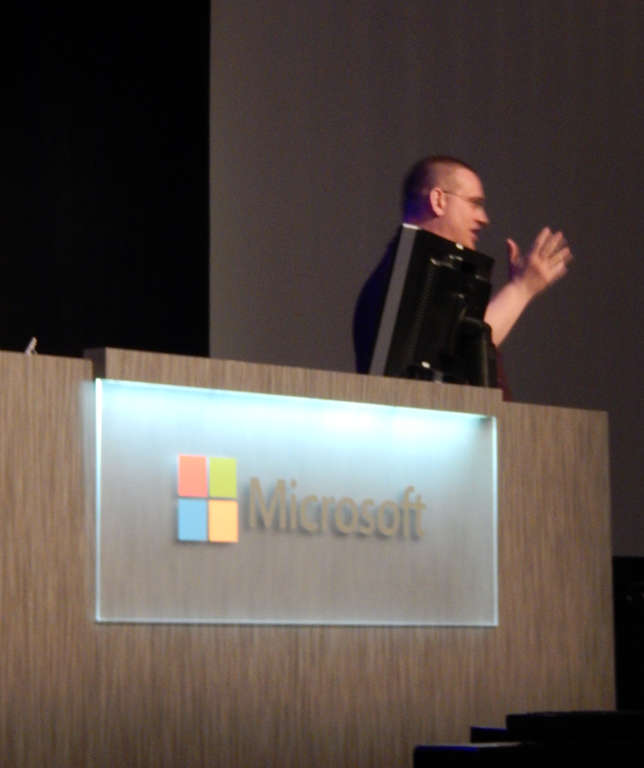
There is something extremely rewarding about seeing your name on the intro slide of a TechEd USA presentation. I helped deliver What’s New in Windows Server 2012 R2 Hyper-V together with Ben Armstrong yesterday and it was quite the experience.

DSCN2817_280

image

A big thank you to Ben and Microsoft for the confidence they have shown in me and the opportunity to do this. A mention to our CEO who has the ability to look beyond the daily needs and facilitates his and encourages his employees to get out of the village to learn, grow and prosper. This is the principle one of my high school teachers lived and worked by, help people be all they can be.

The IT community around the Microsoft ecosystem is both a local and a global one. In this day and age knowledge gets shared and flows freely. People work with people and with organizations. No one gets anywhere in isolation.I’m happy to see so may of my buddies do so well. It’s great to see people succeed, grow, enjoy their work and reap the fruits of their efforts. Look at Benedict Berger who was presenting in the room next to ours or Aidan Finn, a long time community member and experienced speaker who won speaker idol and by doing so secured a speaker slot for next year. This has many reasons and one of them is people believing in you and giving you the chance to grab opportunities. To those I say, thank you very much!

Attending And Presenting at TechEd North America 2014

As you might well know I’m attending TechEd North America right now. I blogged about that. But I have to correct this a bit. Today I will also be presenting together with Ben Armstrong and help him deliver session DCIM-B380 What’s New in Windows Server 2012 R2 Hyper-V.

Ben Armstrong, Principal Program Manager on the Hyper-V team, will be showing you the wealth of features that provide capability, scalability, performance, availability and reliability in Windows 2012 R2 Hyper-V that make it THE capable and scalable cloud OS.

I’m honored to be able to show case a few of the technologies in Windows 2012 R2 we are leveraging in production today. So can you, really!

image

Heading To TechEd North America 2014

Good times ahead as today I’m making my way over to the USA (Houston Texas) or TechEd 2014 North America. I’m in good company of a few of my colleagues and I have a great number of my buddies & industry relations inbound as well.

Time for some serious education, networking & passionate discussions on the state of the industry with people form all over the globe.  I’ll also make good use of my time over there to meet up with the people in my network that are US based.

I’ll be spending time in cloud/hybrid/virtualization tracks and focus on networking and identity. That’s starts off very well with a pre conference track hybrid identity on Sunday by john Craddock, a true scholar!

Network!

No need to bring SFP+ or RJ45, don’t worry. Next to sessions & labs don’t forget to connect with others. The ability to network with peers and industry experts is a great benefit of this conference so make the best of it. There are few events with this concentration of expertise & talent, tap into that resource.

To help all you shy people out there Aidan Finn has launched the The TechEd North America 2014 Hyper-V Amigo Selfie Game. You can read all about it over here and if you play, best of luck!

On Route

But first we need to get there. As I learned during visit of the Boeing factory in Seattle “If it’s not Boeing, I ‘m not going” Winking smile. No worries it appears they’re using a 777?

british_airways-777-300er

So I’m getting out of the village, into the world so tunnel visions and blinders can be avoided. See you all there.