
After implementing a couple of SAN’s with backup solutions I have come to dislike Virtual Tape Libraries. This is definitely technology that, for us, has never delivered the promised benefits. To add insult to injury it is overly expensive and only good to practice hardware babysitting. When discussing this I’ve been told that I want things to cheap and that I should have more FTE to handle all the work. That’s swell but the business and the people with the budgets are telling me exactly the opposite. That explains why in the brochures it’s all about reduced cost with empty usage of acronyms like CAPEX and OPEX. But when that doesn’t really materialize the message to the IT Pros is to get more personnel and cash. In the best case (compared to calling you a whining kid) they‘ll offer to replace the current solution with the latest of the greatest that has, wonder oh wonder, reduced CAPEX & OPEX. Fool me once shame on you, fool me twice, shame on me.
So one thing I’m not planning to buy, ever again, is a Virtual Tape Library (VLS). Those things have a shelf life of about 2 years max. After that they turn into auto disintegrating pieces of crap you’ll spend babysitting for the rest of the serviceable live. This means regularly upgrading the firmware to get your LUN(s) back, if you get them back that is. This means convincing tech support to come up with a better solution than restarting from scratch when they acknowledge that their OS never cleans up its own log files and thus one day just kicks the bucket. Luckily they did go the extra mile on that one after we insisted and got a workaround without losing al backups. Babysitting also means that replacing the battery kits of all shelves becomes a new hobby. You become so good at it that you have better and faster way of doing it than the junior engineers they send who happily exclaim “so this is what it looks like”. The latter is not a confidence builder. The disks fail at a rate of 1 to 2 per week until you replaced almost all of them. Those things need to be brought down to fix just about anything. That means shutting down the disk shelf’s as well and cutting the power, not just a reboot so yes you need to be in the data center.
There is no RAID 6, no hot spares (global or otherwise). The disks cost an arm and a leg and have specialized hardware to make sure all runs fine and well. But in they are plain7.200 rpm cheap 500 GB SATA disks that cost way too much. The need for special firmware I can understand but the high cost I cannot. The amount of money you pay in support costs and in licensing the storage volume is more than enough to make a decent profit. Swapping disks and battery kits isn’t hard and we do it ourselves as waiting for a support engineer takes more time. We have spares at hand. We buy those when we by the solution. We’ve grown wise that way. We buy a couple units of all failure prone items at the outset of any storage project. Having only RAID 5 means that one disk failure puts you virtual tapes at a very high risk so you need to replace it as soon as possible. Once they shipped us a wrong disk, our VTL went down the drain due to incorrect firmware on disk. They demanded to know how it got in there. Well Mr. Vendor, you put it in yourself a as a replacement for a failed disk. In the first year it often happened they didn’t have more than 1 spare disk to ship. If anyone else has a VLS in your area you’re bound to hit that limit have to wait longer for parts. They must have upped the spare parts budget to have some more on hand just for us as we now get a steady supply in.
When you look at the complete picture the cost of storage per GB on a VLS is a much as on 1st tier SAN storage. That one doesn’t fly well. At least the SAN has decent redundancy and is luckily a 100 fold more robust and reliable. Why buy a VLS when you can have a premier tier SAN for the same cost, the VLS functionality? No sir that also never lived up to its promises. It has come to the point that the VTL, due to the underlying issues with the device, are more error prone than our Physical Tape Library. That’s just sad. Anyway, we never got the benefits we expected form those VTL. For disk based backup I don’t want a Virtual Tape Library System anymore. It just isn’t worth the cost and hassle.
Look you can buy 100 TB of SATA storage, put it in couple of super micro disk bays, add a 10Gbps Ethernet to your backup network and you’re good to go. Hey that even gives you RAID 6, the ability to add hot spares etc. You buy some spare disks, controllers, NICS, and perhaps even just build two of these setups. That would give you redundant backup to two times 100 TB for under 60.000 €. A VLS with 100TB, support and licensing will put you back the 5 fold of that. Extending that capacity costs an arm and a leg and you’re babysitting it anyway so why bleed money while doing that?
Does this sound crazy? Is this blasphemy? The dirty little secret they don’t like you to know is that’s how cloud players are doing it. First tier storage is always top notch, but if you talk about backing up several hundreds of terabytes of data, the backup solutions by the big vendors are prohibitively expensive. This industry looks a lot like a mafia racketeering business. Well if you don’t buy it you’ll get into trouble, you’ll lose your data. You won’t’ be able to handle it otherwise. Accidents do happen. The guys selling it even dress like mobsters in their suits. But won’t you miss out on cool things like deduplication? If your backup software supports it you can still have that. The licensing cost for this isn’t that bad a deal when compared to VLS storage costs. And do realize instead of 2100 TB you could make due to 2 25 TB. Hey that price even dropped even more.
When it comes to provisioning storage our strategy is to buy as much of your storage needs during the acquisition phase. That’s the only time deals can be made. The amount of discounts you’ll get will make you wonder what the markup in this market actually. It must be huge. And storage can’t cost as much as you think to build as they would like us to believe. Last time the storage sales guy even told us they were not making any money on the deal. Amazing how companies giving away their products have very good profit margins, highly paid employees with sales bonuses and 40.000 € cars If one vendor or reseller ever tells you that things will get cheaper with time, they are lying. They are actually saying their profit margins will increase during the life cycle of you storage solution. Look, all 1st tier storage is going to be expensive. The best you can hope for is to get a good quality product that performs as promised and doesn’t let you down. We’ve been fortunate in that respect to our SAN solutions but when it comes to backup solutions I’m not pleased with the state of that industry. Backups are extremely important live savers, but for some reason the technology and products remain very buggy, error prone, labor intensive and become very expensive when the data volumes and backup requirements rise.
 ! The details differ depending what version of Windows you’re running. I’m at Windows 2008 R2 so I can install these tools via an elevated PowerShell prompt using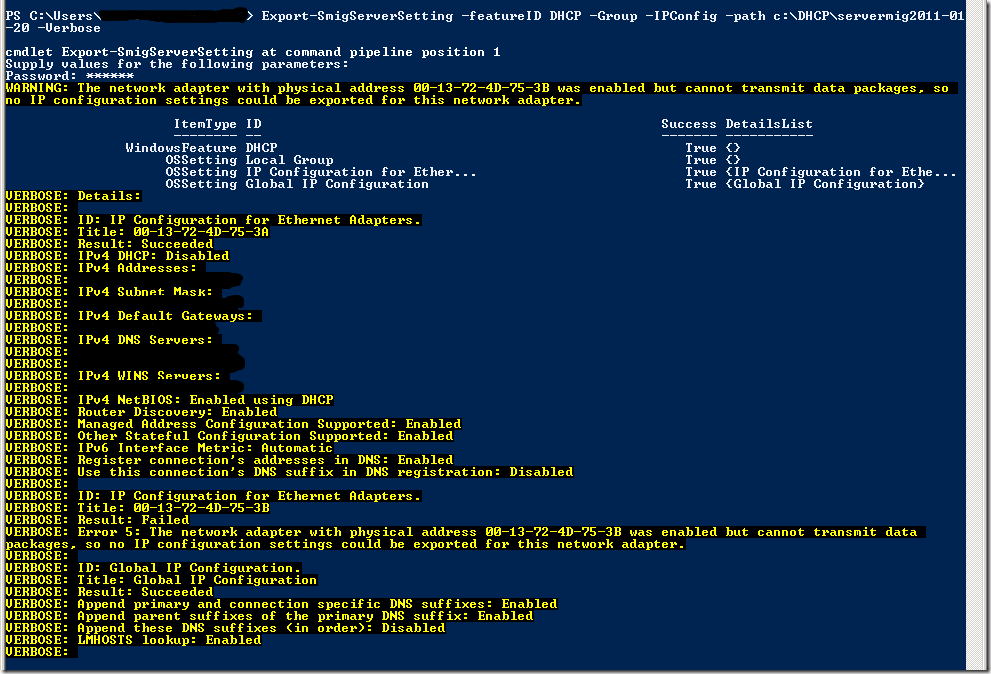
![clip_image002[1]](https://blog.workinghardinit.work/wp-content/uploads/2011/02/clip_image0021.png "clip_image002[1]")