Hands on with Hyper-V Clustering Maintenance Mode & Cluster Aware Updating TechNet Screencast

I’ve blogged and given some presentations on Cluster Aware Updating before and I also did a web cast on this subject on Technet. You can find the video of that screencast right here Hands on with Hyper-V Clustering Maintenance Mode & Cluster Aware Updating.

image

I hope you get something out of it. Once I got my head wrapped around around the XML to make the BIOS, firmware & driver updates from DELL to work as well as the pre configured inbox functionality (DGR & QFE updates) it has proven equally valuable for those kinds of updates.

Fixing A Little Quirk In Dell Compellent Replay Manager

If you’re running a DELL Compellent SAN you’re probably familiar with Replay Manager. It’s Compellent’s solution to take VSS based (and as such application consistent) snapshots.image
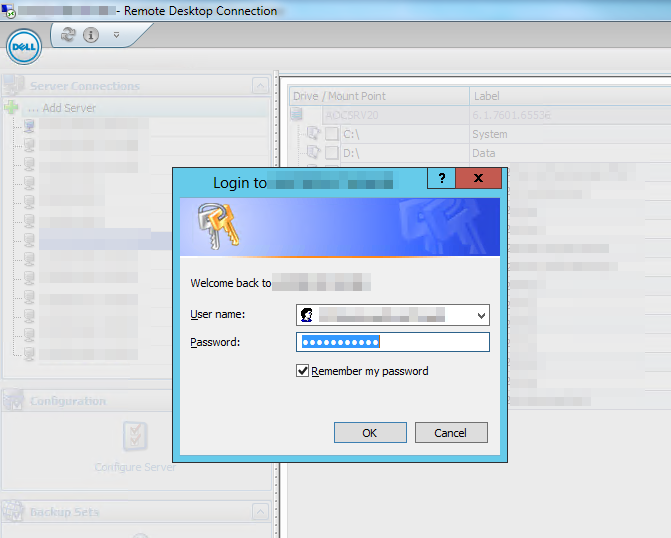
When you’re running Replay Manager you might run into the following issue when trying to access a host.image
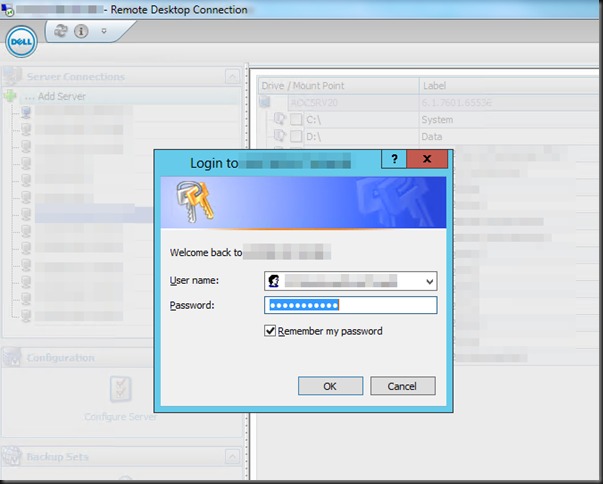
Every time, you access a host for the first time after opening Replay Manager you’ll be prompted for your password, even if you select Remember my password. You don’t need to retype it so that’s fine, but you do need to click it.

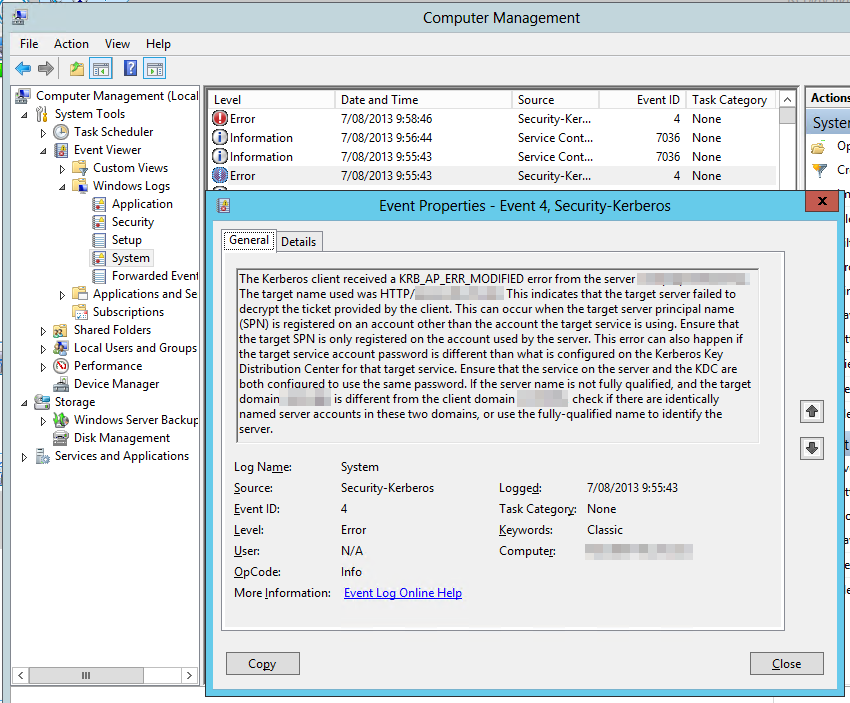
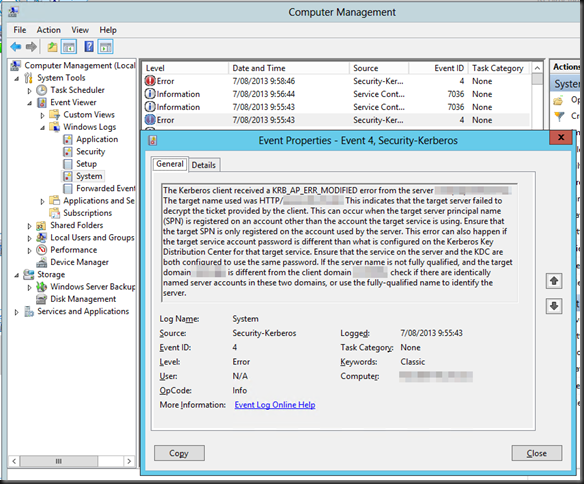
In the system log you’ll see the below error logged.image
Log Name:      System
Source:        Microsoft-Windows-Security-Kerberos
Date:          7/08/2013 9:55:43
Event ID:      4
Task Category: None
Level:         Error
Keywords:      Classic
User:          N/A
Computer:      replayserver.test.lab
Description:
The Kerberos client received a KRB_AP_ERR_MODIFIED error from the server replaymanagerservice. The target name used was HTTP/myhost.test.lab. This indicates that the target server failed to decrypt the ticket provided by the client. This can occur when the target server principal name (SPN) is registered on an account other than the account the target service is using. Ensure that the target SPN is only registered on the account used by the server. This error can also happen if the target service account password is different than what is configured on the Kerberos Key Distribution Center for that target service. Ensure that the service on the server and the KDC are both configured to use the same password. If the server name is not fully qualified, and the target domain (TEST.LAB) is different from the client domain (TEST.LAB), check if there are identically named server accounts in these two domains, or use the fully-qualified name to identify the server.

Well, this a rather well know issue in the Microsoft world. Take a look here IIS 7+ Kerberos authentication failure: KRB_AP_ERR_MODIFIED. Browse to the possible causes & solutions. You’ll find this situation right in there. So what we do is execute the following command to register the correct SPN for the host or hosts on the Replay Manager service account:

SetSPN -a HTTP/myhost.test.lab TESTreplaymanagerservice

Do note to run this from an elevated command prompt using a account with sufficient AD permissions in AD. You’ll now no longer have to click on the username/password prompt and get rid of that error.

You can verify if the SPB for your hosts exists on your Replay Manager Service account by running:

SetSPN -l  TESTreplaymanagerservice

If this is the biggest issue you’ll ever have with a hardware snapshot service & hardware provider you know you’ve got a good solution.
Some ODX Fun With Windows Server 2012 R2 And A Dell Compellent SAN

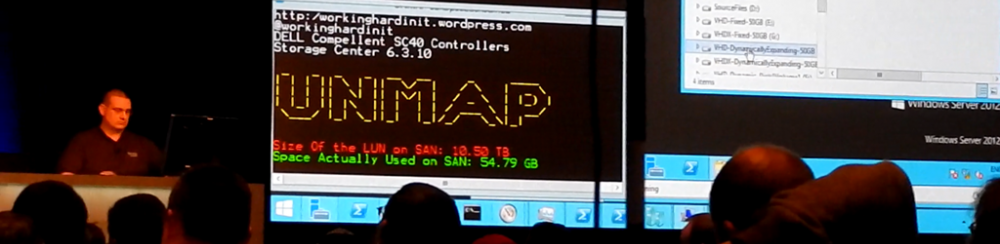
I’m playing and examining some of the ODX capabilities of our SANs (Dell, Compellent) at the moment. It all seems pretty impressive in the demo’s. But how does that behave in real live on our gear? How impressive is ODX? Well pretty darn impressive actually. And as all great power it needs to be wielded carefully, with insight and thought.

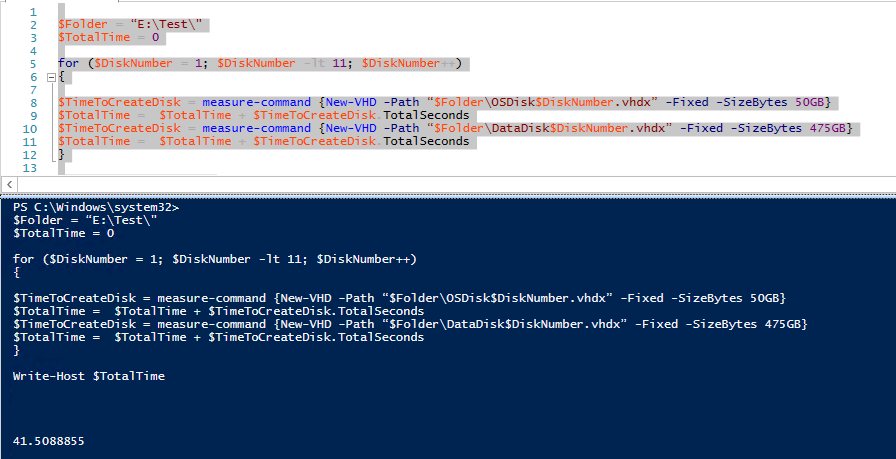
Let’s create some fixed virtual disks. 10 * 50GB vhdx and 10* 475GB vhdx. We run a simple quick PowerShell script:

image

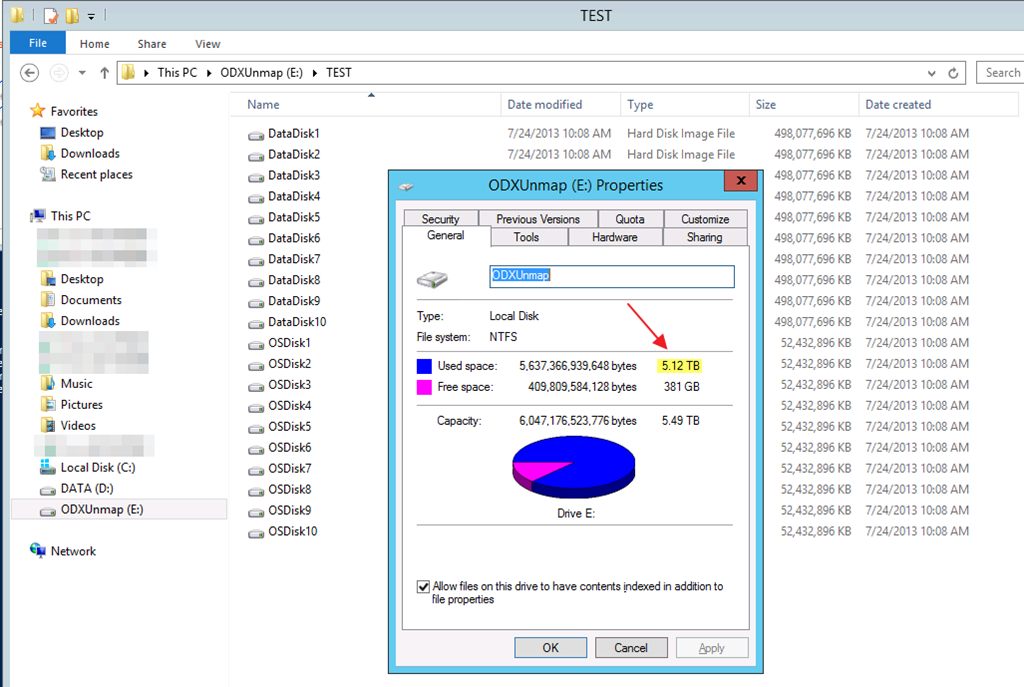
You see this correctly, it’s 41.5088855 seconds. let’s round up to 42 seconds. That’s 20 fixed VHDX files. 10 of 50GB, 10 of 475GB in 42 seconds. That’s a total of 5.12TB of vhdx files.

image

Compared to creating a single 5TB vhdx file this isn’t to shabby as that get done in 26 seconds!

You can only dream of the kind of scenario’s this kind of power enables. Woooot!!!

House Keeping In The Cluster Aware Updating GUI

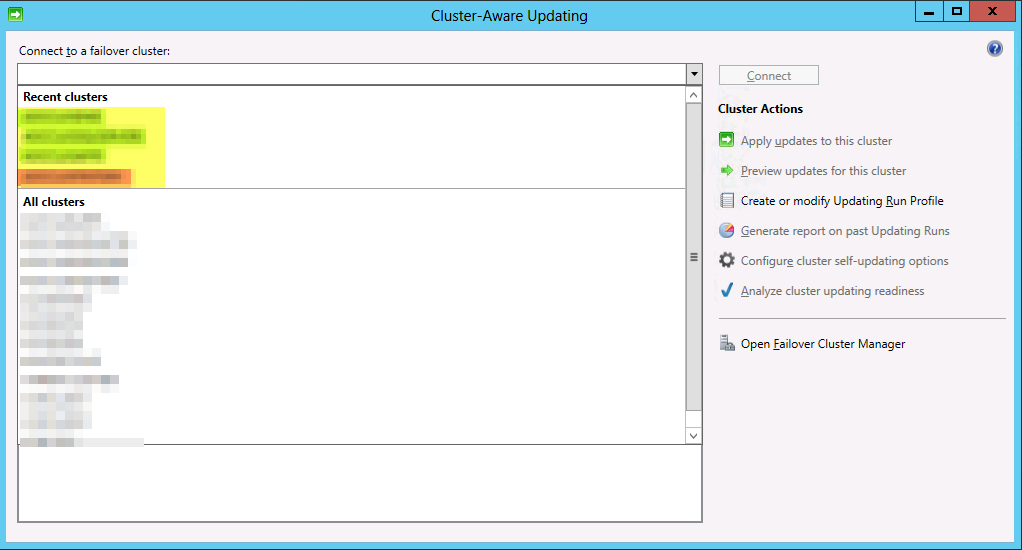
When you work in an environment with multiple clusters and some of them are replaced, destroyed etc, you’ll end up with stale clusters in the “Recent Clusters” list of the Cluster Aware Updating GUI. In the example below the red entry (had to obfuscate, sorry) is a no longer existing cluster but it’s very similar to a new one that was created to fix a naming standard error. So we’d like to get rid of those to prevent mistakes and cluttering up the GUI with irrelevant information.image

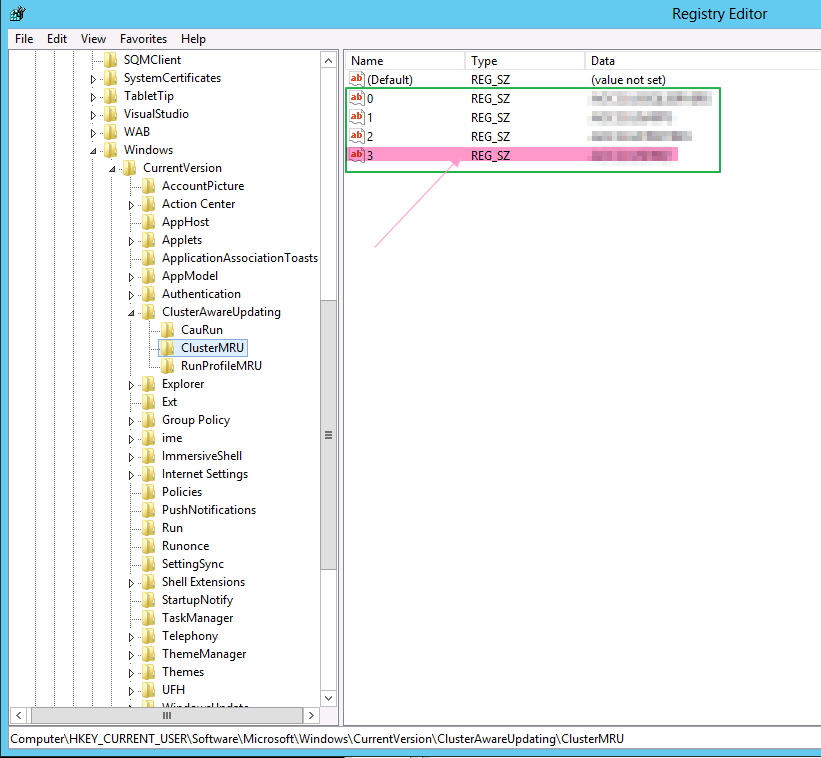
The Recent Cluster list is tied to your user profile and you can end up with a list polluted with stale entries of no longer existing clusters. To clean them out you can dive into the registry and navigate to:

HKEY_CURRENT_USERSoftwareMicrosoftWindowsCurrentVersionClusterAwareUpdatingClusterMRUimage

Simply delete the entries that contain the values of the old cluster that are no longer in existence.

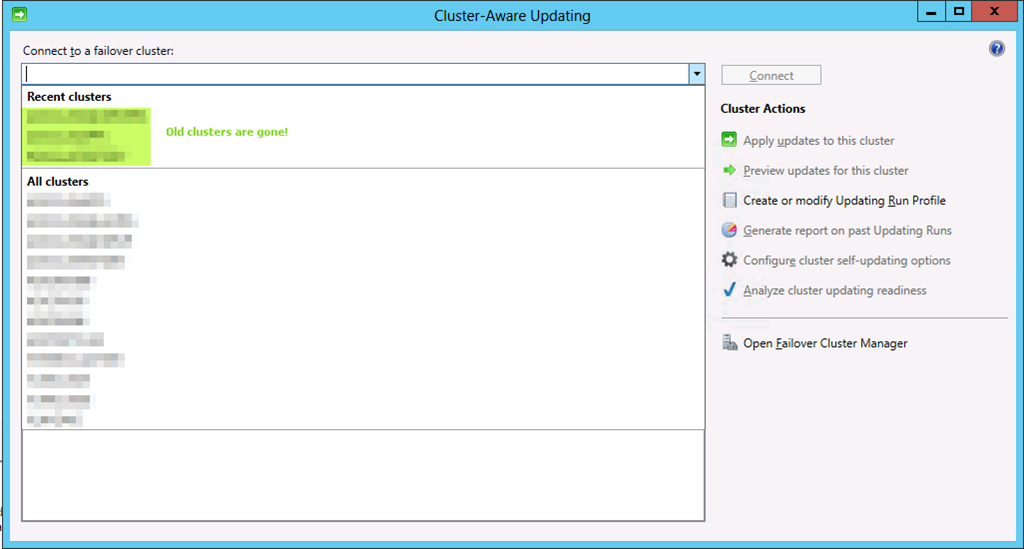
Close the Cluster Aware Updating GUI it still open and reopen it. You’ll see the stale entries to the one or more no longer exiting clusters in “Recent Clusters” is gone.image